Asset Labels
Organizing your assets into categories is made easy with labels. To manage your asset labels, go to Manage Asset module under the Assets menu.

From there, select your desired workspace and click on the Asset Labels tab.
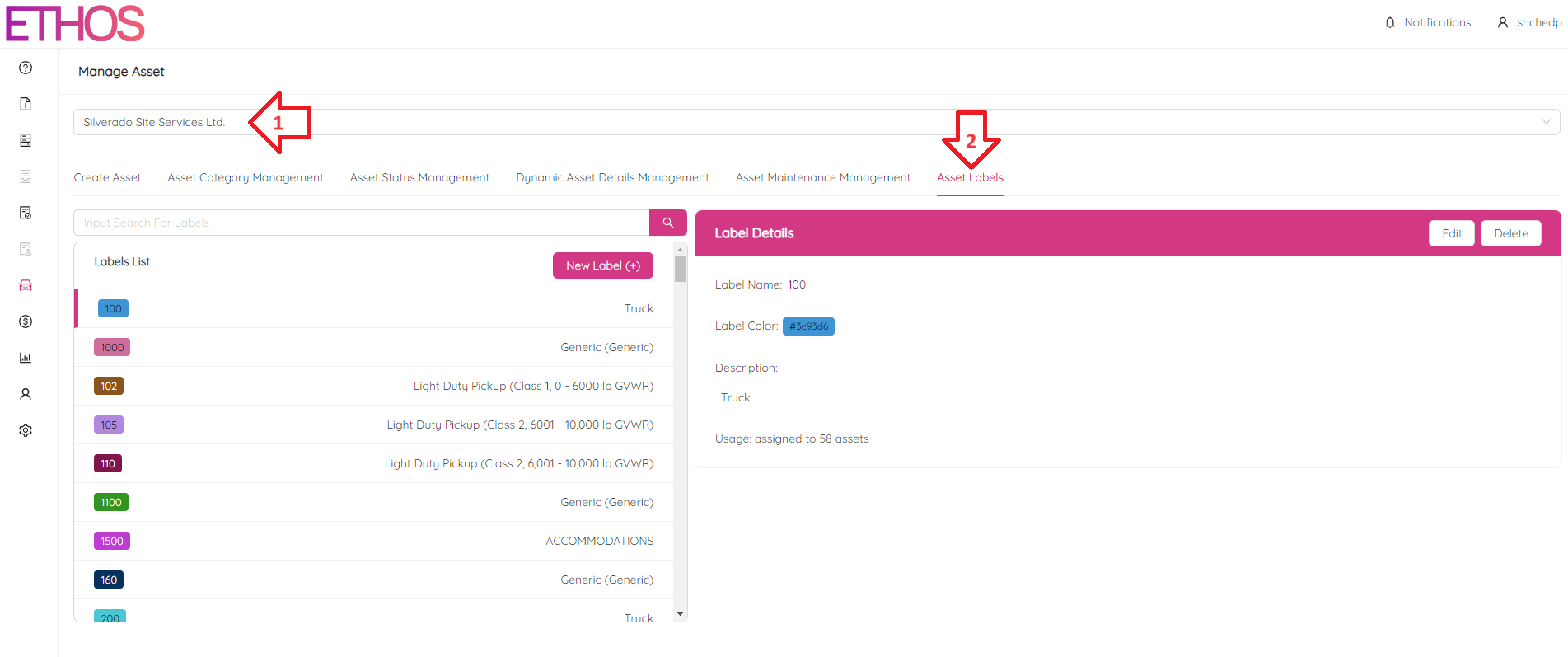
The page is split into two sections, with the list of labels on the left and the details of a selected label on the right.
Create Label
To add a new label, click on the New Label (+) button on the left.
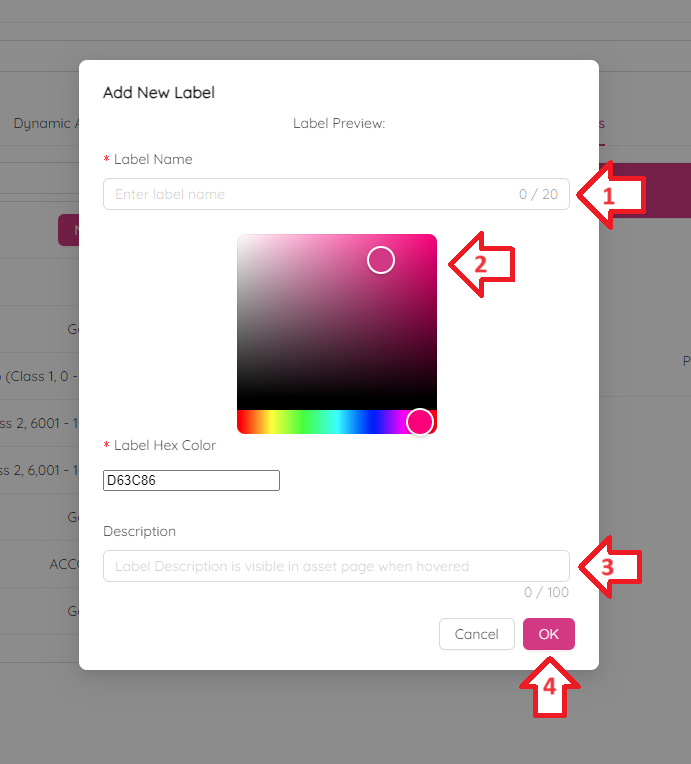
Fill in the label name, color, and a brief description. You will be able to preview the label at the top of the form.
Edit Label
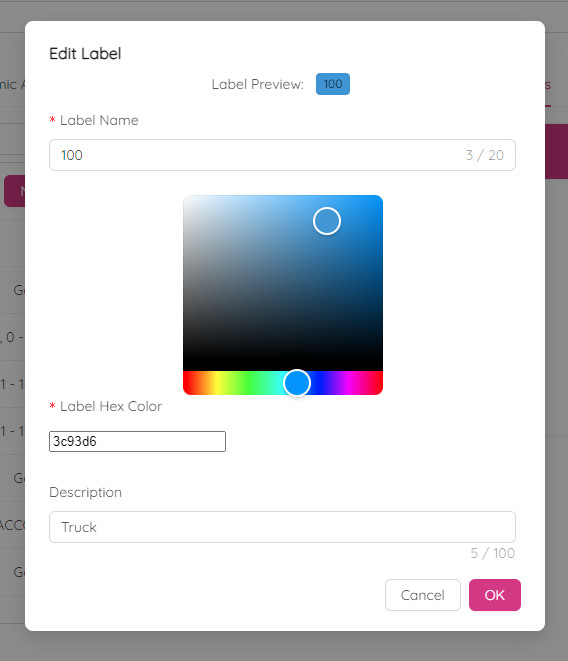
To edit an existing asset label, select it from the list on the left and use the Edit button on the right side of the page. The editing process is similar to creating a new label. You can make a quick search by using Input Search For Labels bar above the labels list.
Delete Label
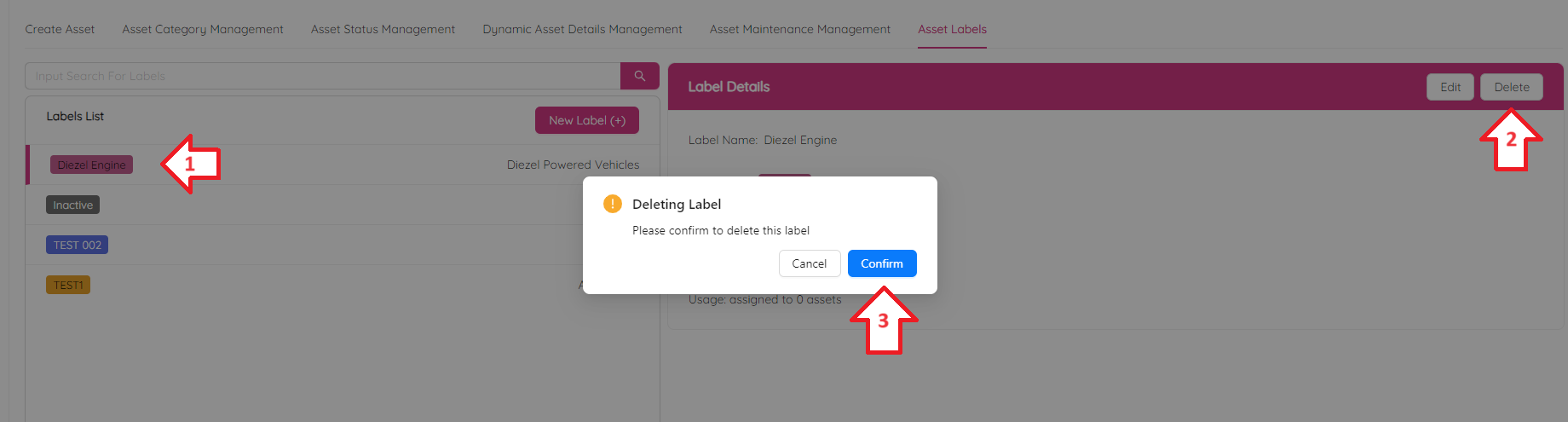
Finally, to delete an asset label, choose the label on the left and click Delete button on the right. Confirm by clicking Confirm button.