Audit List
You can fing all previously created audits in Audit List module. Click on the Audit List menu under the Audits module on the panel.

On the right part of the page choose projects whose audits you want to view or pick Select All to see all audits.
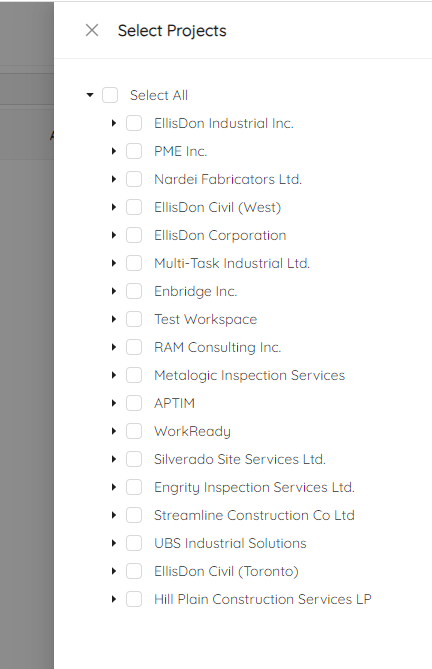
NOTE: You can always change your choice by clicking the Select Projects at the top right.
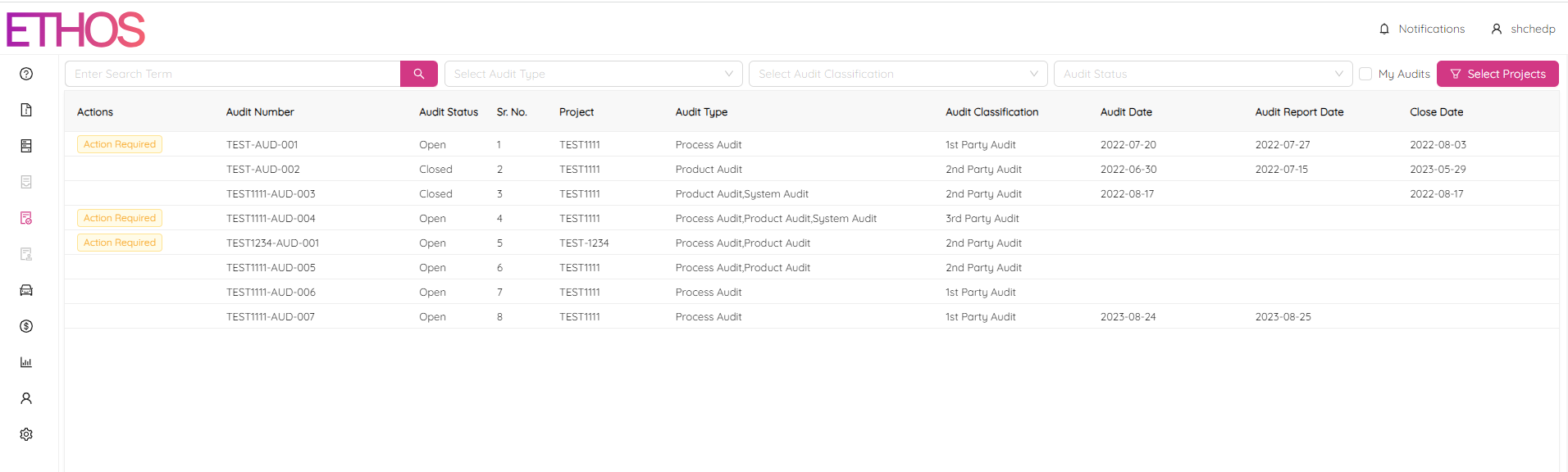
You can filter audits by the following criteria:
Search Request - Type a search request in the Enter Search Term field.
Audit Type - Select one or multiple audit types.
Audit Classification - Select one or multiple audit classifications.
Audit Status - Select Open, Closed or Scheduler audit status.
My Audits - click to filter audits you are involved in.
Click on any column title to sort the table in ascending or descending order.
Click on the audit record in the table you want to open in single-view mode.
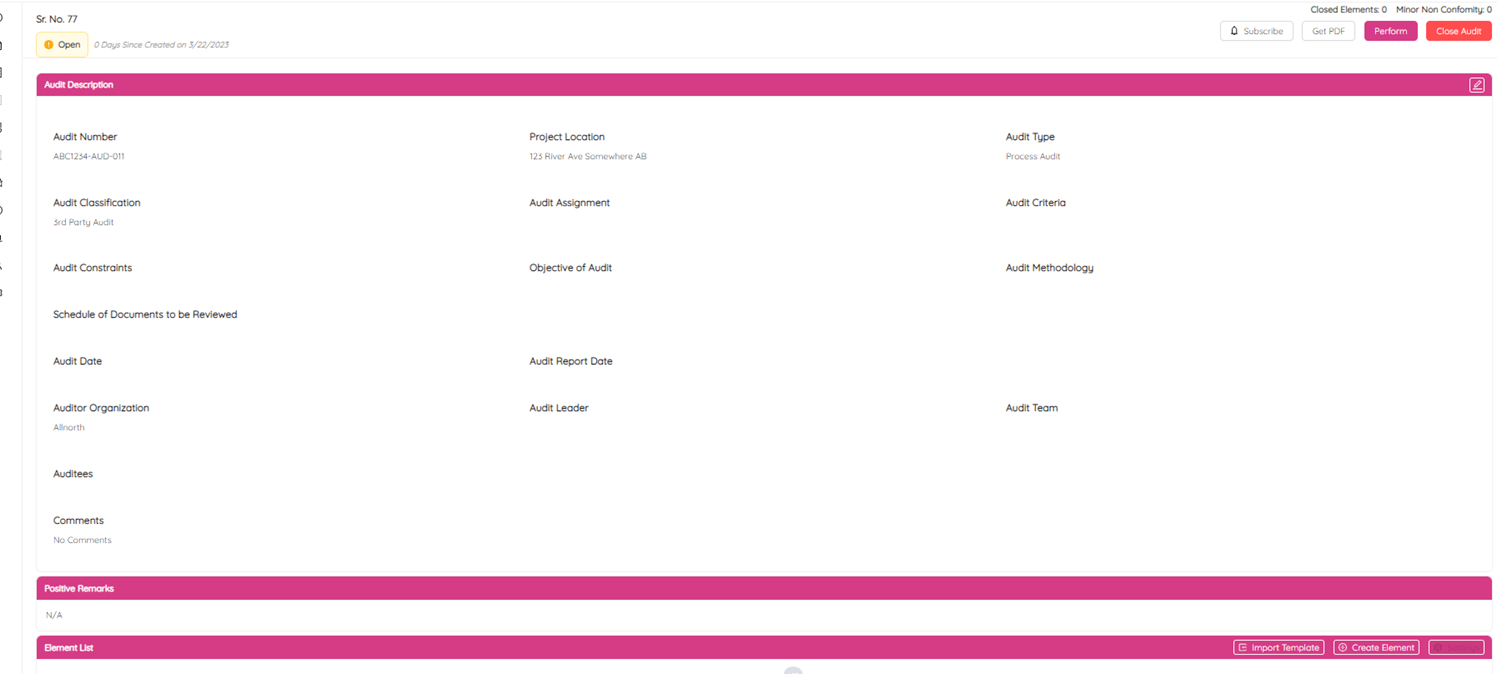
Here, you can perform, complete, close or change the audit. Also, you can export the audit to a PDF file by clicking on the Get PDF button at the top right.