Transactions
The transactions page is where you will log the costs of your projects.
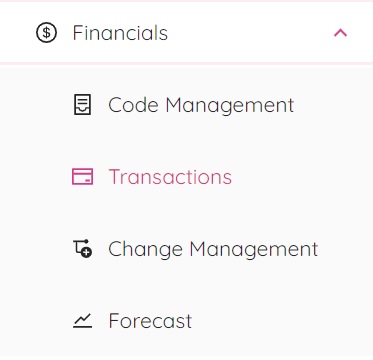
By selecting “Transactions” from the financials popup window you will be redirected to the transactions page.
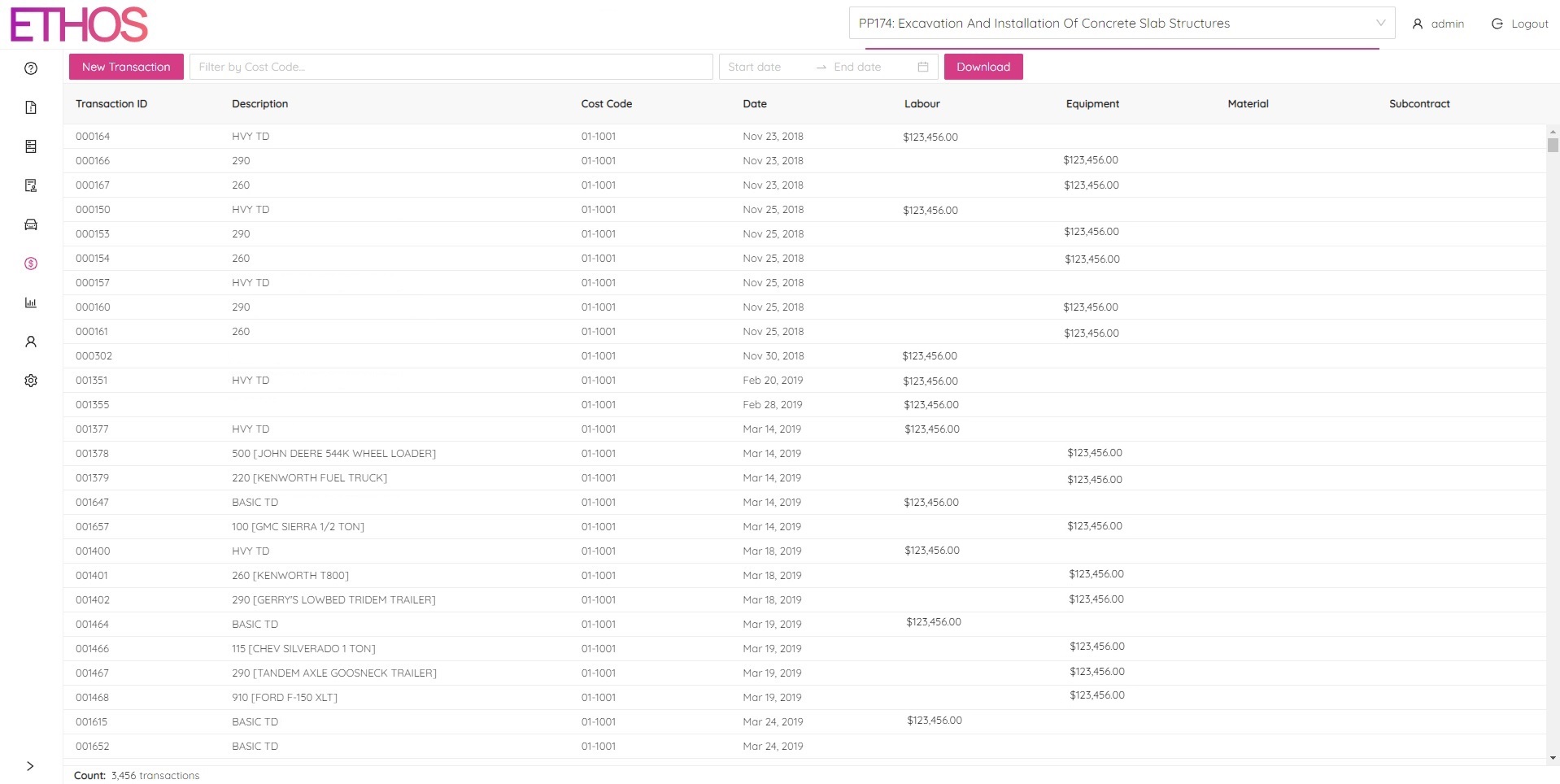
From this page you will have the ability to view every transaction for a selected project in a selected date range as well as log new transactions for any cost codes that have been made for the selected project. To share your transactions outside of ETHOS simply click the download button located at the top of the page to download your transactions in an excel format.