Create Project
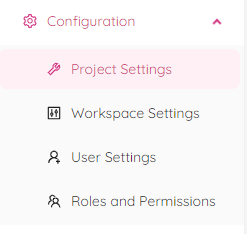
By selecting “Project Creation" tab from the "Project Settings" module you will be redirected to the "Project Creation" page.
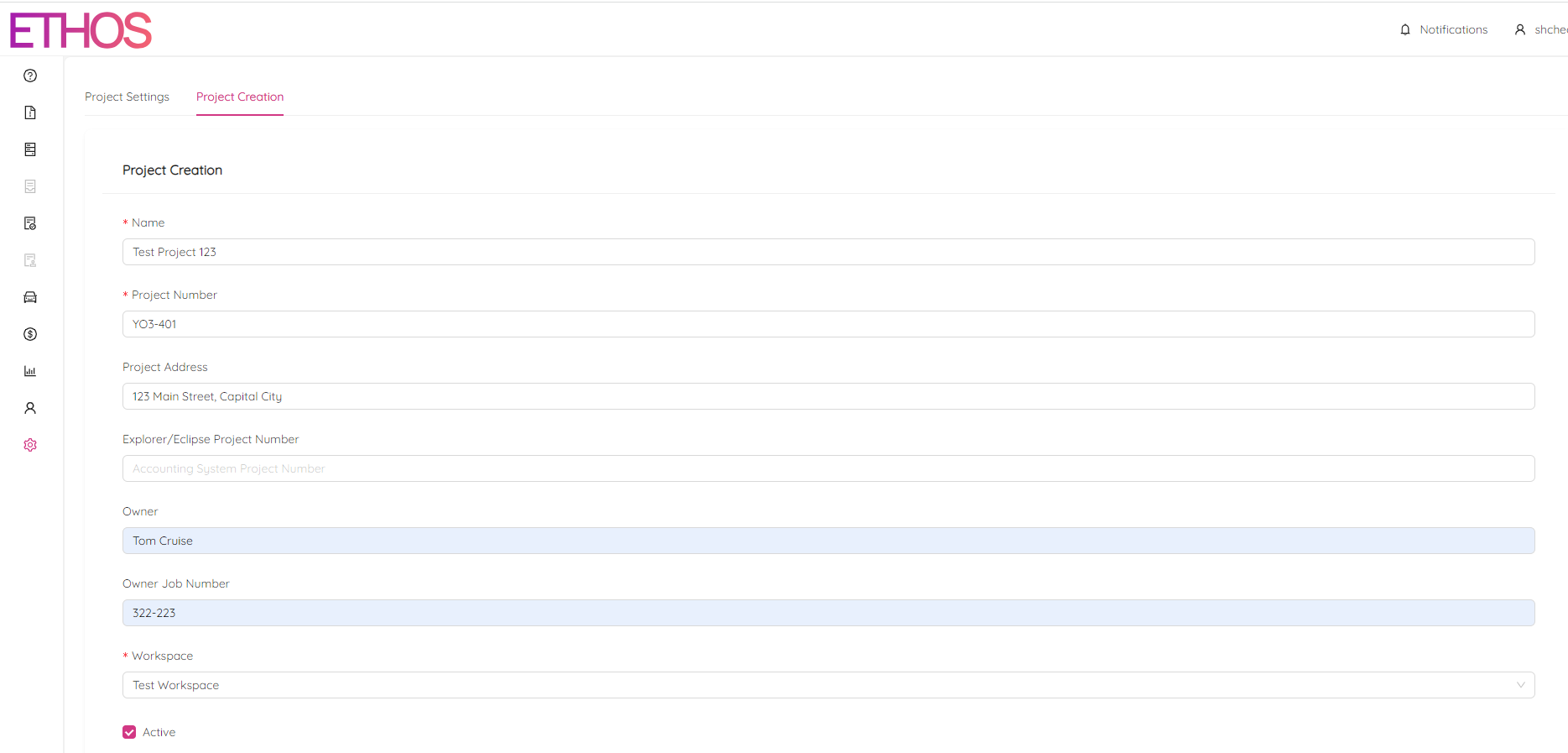
Generally it is a good idea to fill in as much project attributes as possible. However, the only mandatory fields are:
- "Name" (Short, meaningful description of the project),
- "Project Number" (A unique number made of numbers, letters and a hyphen),
- "Workspace" (The workspace the project belongs to).
Click on the "Create" button at the bottom of the page to submit the new project.