Create Workspace
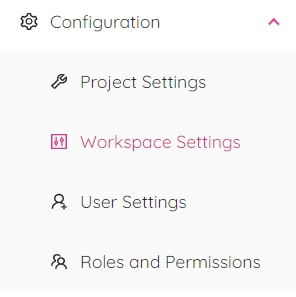
ETHOS Administrator creates a new workspace in "Workspace Settings" module under "Configuration" menu.
By selecting the "Workspace Creation" tab from the "Workspace Settings" module, you will be redirected to the "Workspace Creation" page.
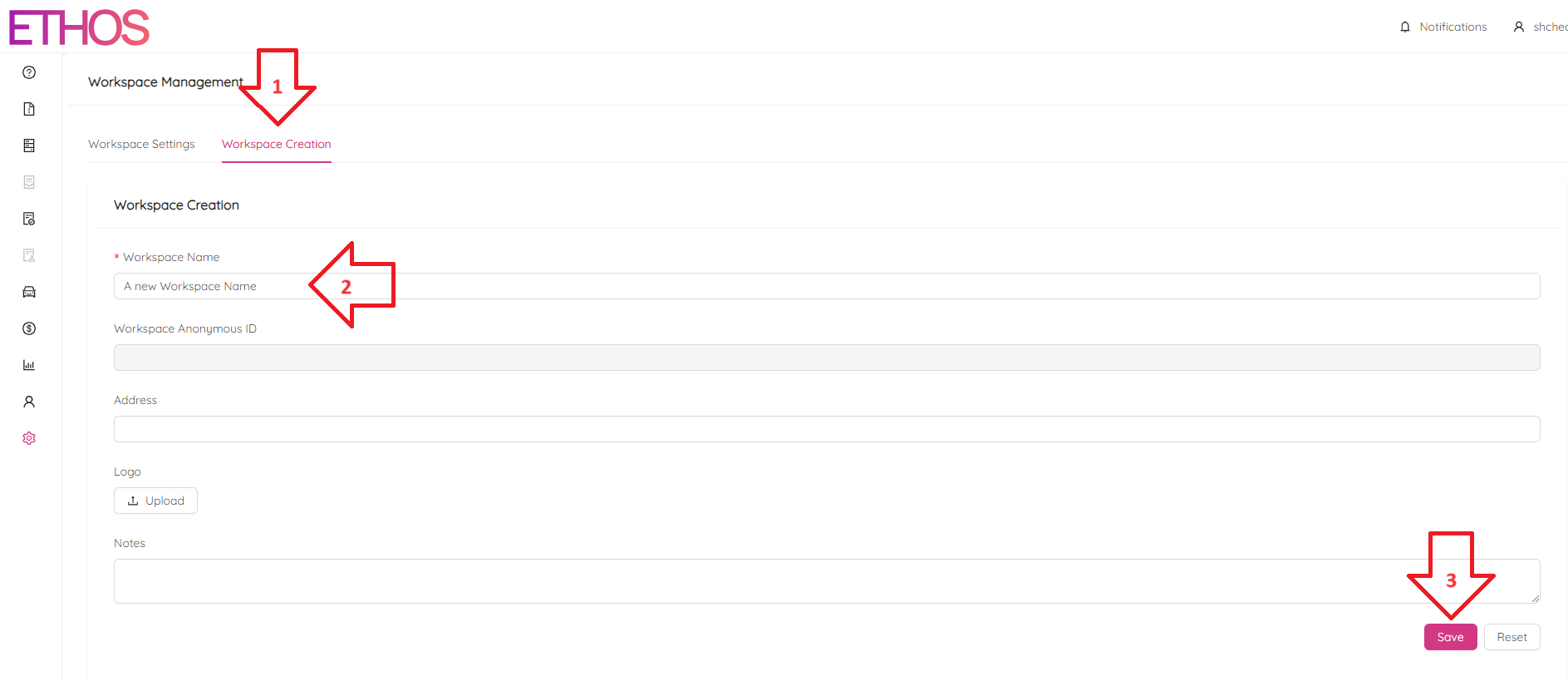
Generally it is a good idea to fill in as much workspace attributes as possible. However, the only mandatory field is "Workspace Name".
Click on the "Save" button at the bottom of the page to submit the new workspace.