Change Management
Plans change. So do cost codes. The Change Management page is where you can make changes to the estimated quantity/cost of your cost codes.
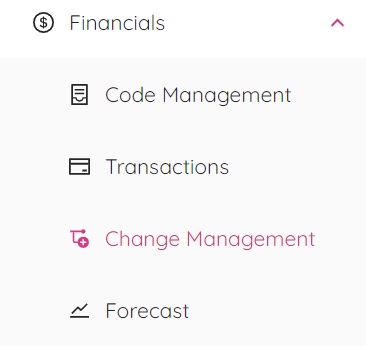
By selecting “Change Management” from the financials popup window you will be redirected to the Change Management Page.
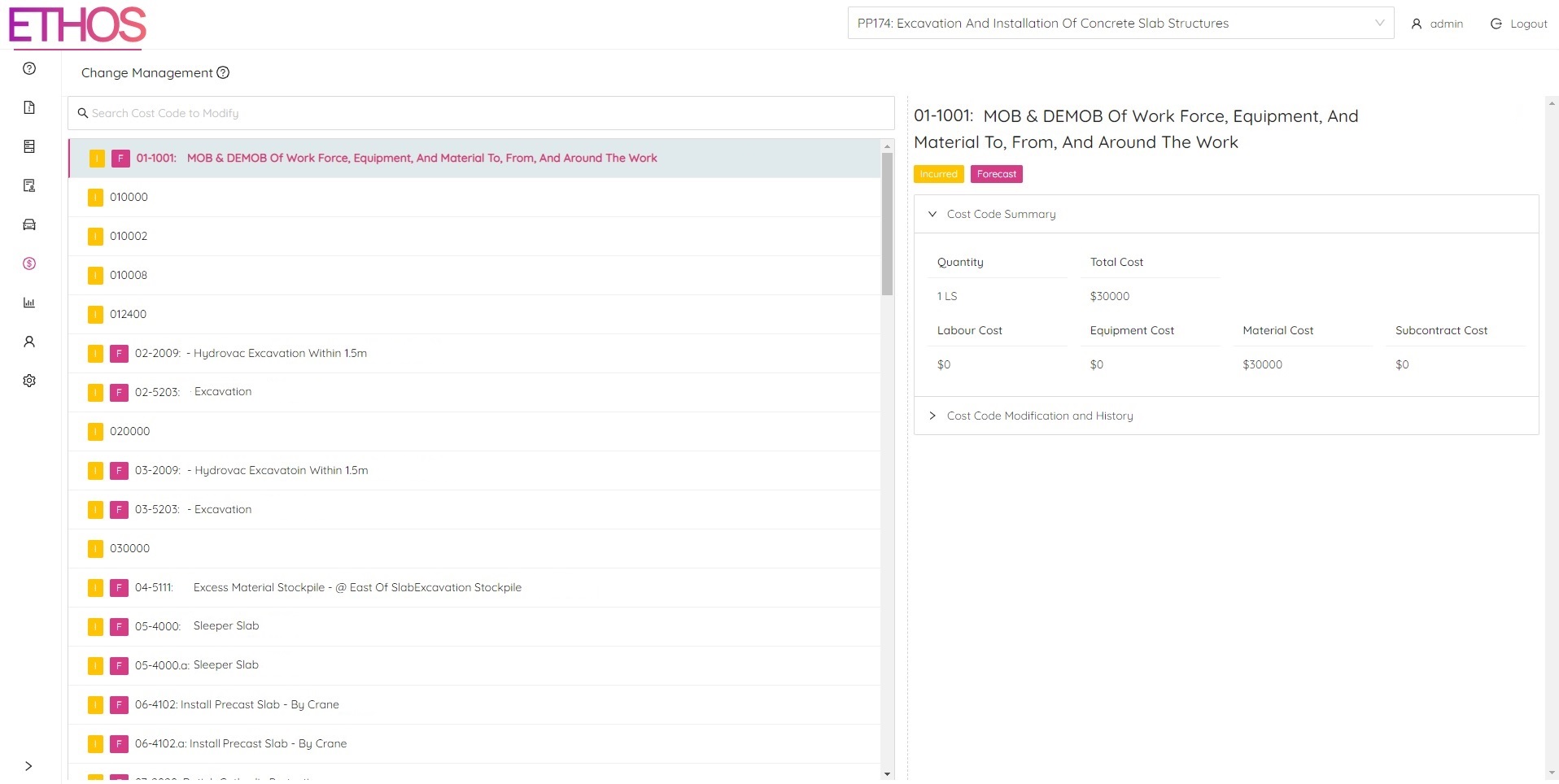
From this page you will have the ability to alter cost code information such as estimated cost totals and quantities. You will also be able to view a history of any changes that were previously made to a selected cost code.