Login ETHOS
Typically, before logging in the first time, you receive an invitation letter from your workspace administrator.
Proceed to login.ethos.red in order to open the application.
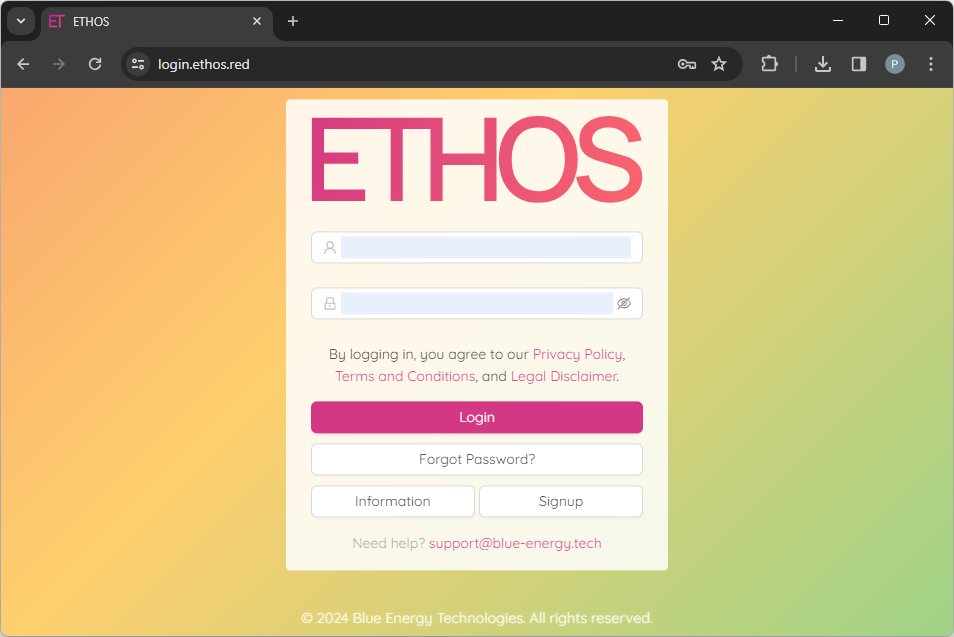
To log in, you have to specify either your username or email and password and click on the Login button. If it is your first login and you still need to set your password, follow the Reset Password manual to set a new password.
NOTE: you can make the password you are entering visible by clicking
icon.
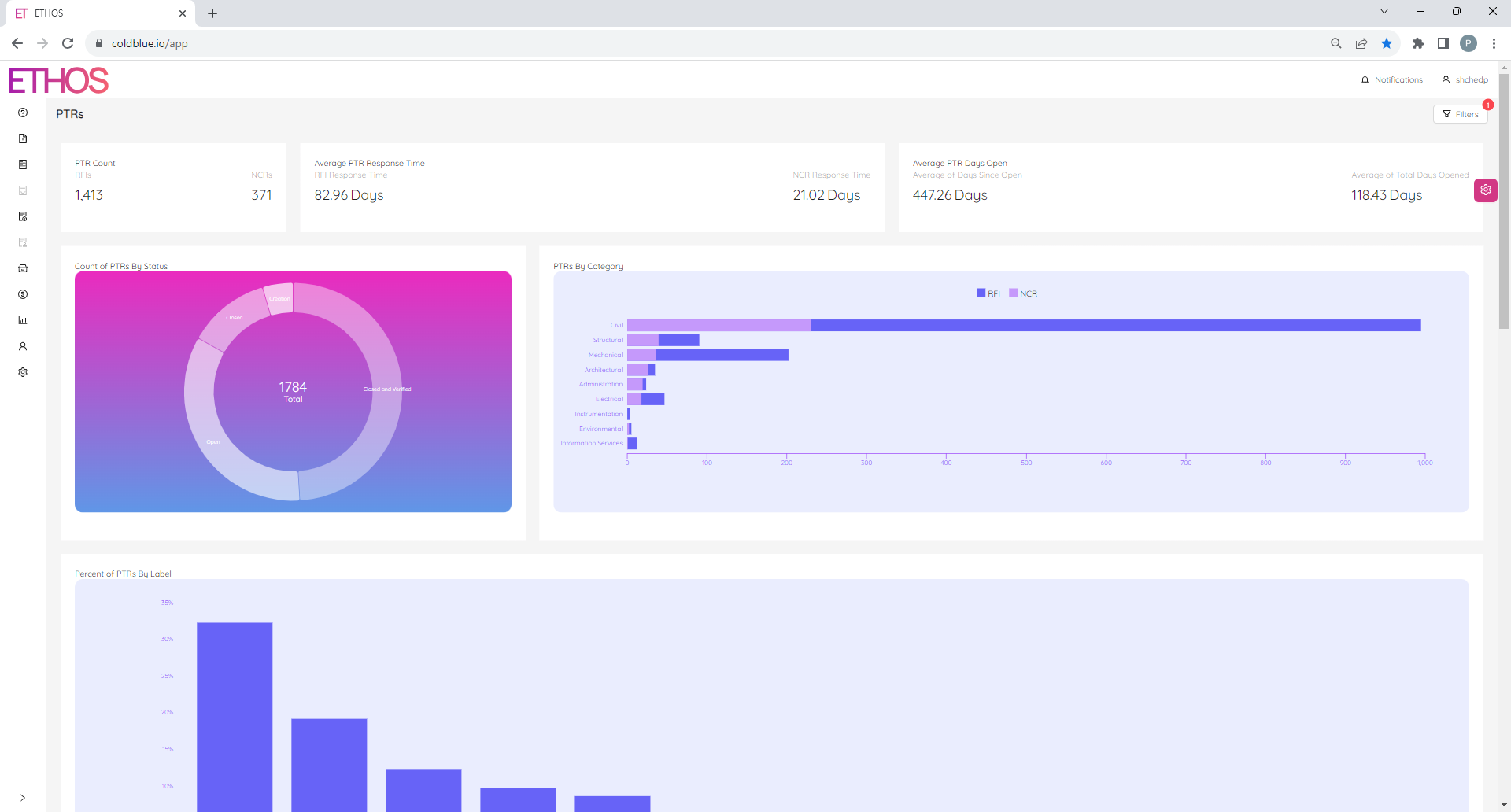
The first page you see after login is the Project Technical Reports (PTRs) home page, which will be similar to the following.