Edit Audit
You can change the audit by opening it in a single view mode and clicking the  button. You can change any details except Audit Number and Project Location.
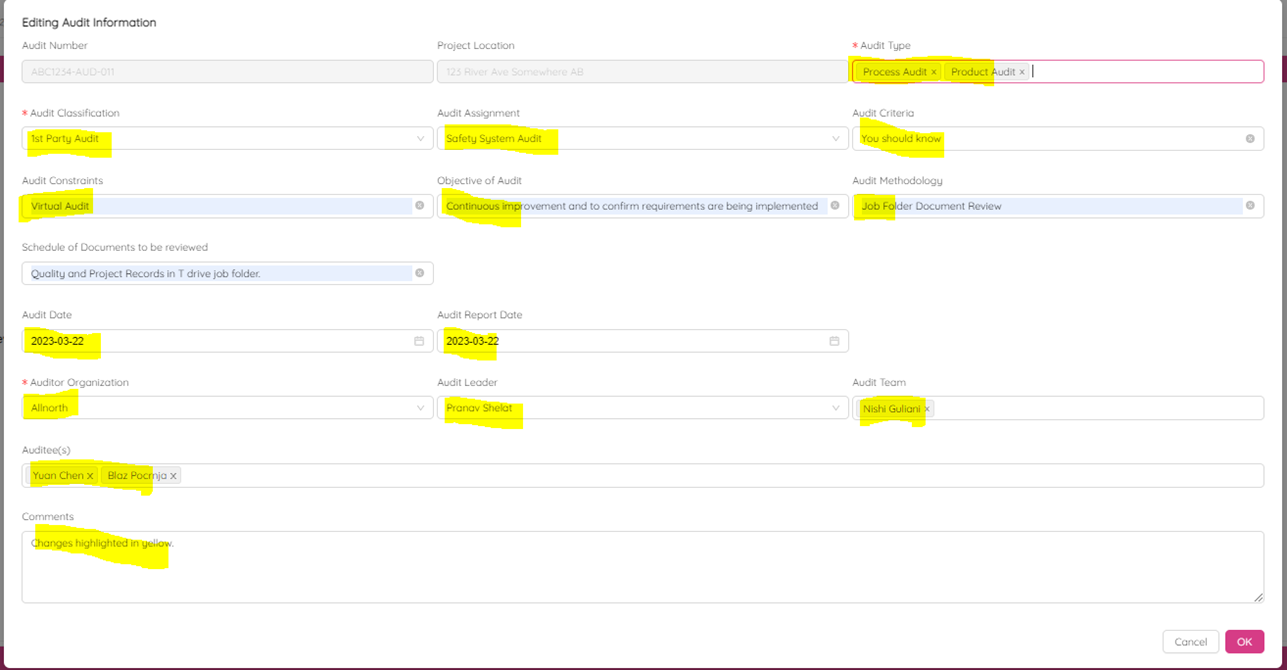
Click OK to save changes or Cancel to discard.
NOTE: The auditor, audit team and auditee will receive e-mail notification about changes that were made.