EDM Drone List
Overview
Drone List module allows to view a list of all drones regardless their in-flight status and see their numbers, descriptions and current locations.
- To access the module, simply click on the Drone List option located on the navigation panel on the left-hand side of the page.
- Select a workspace in the drop-down panel at the top of the page to see drones registered in it.
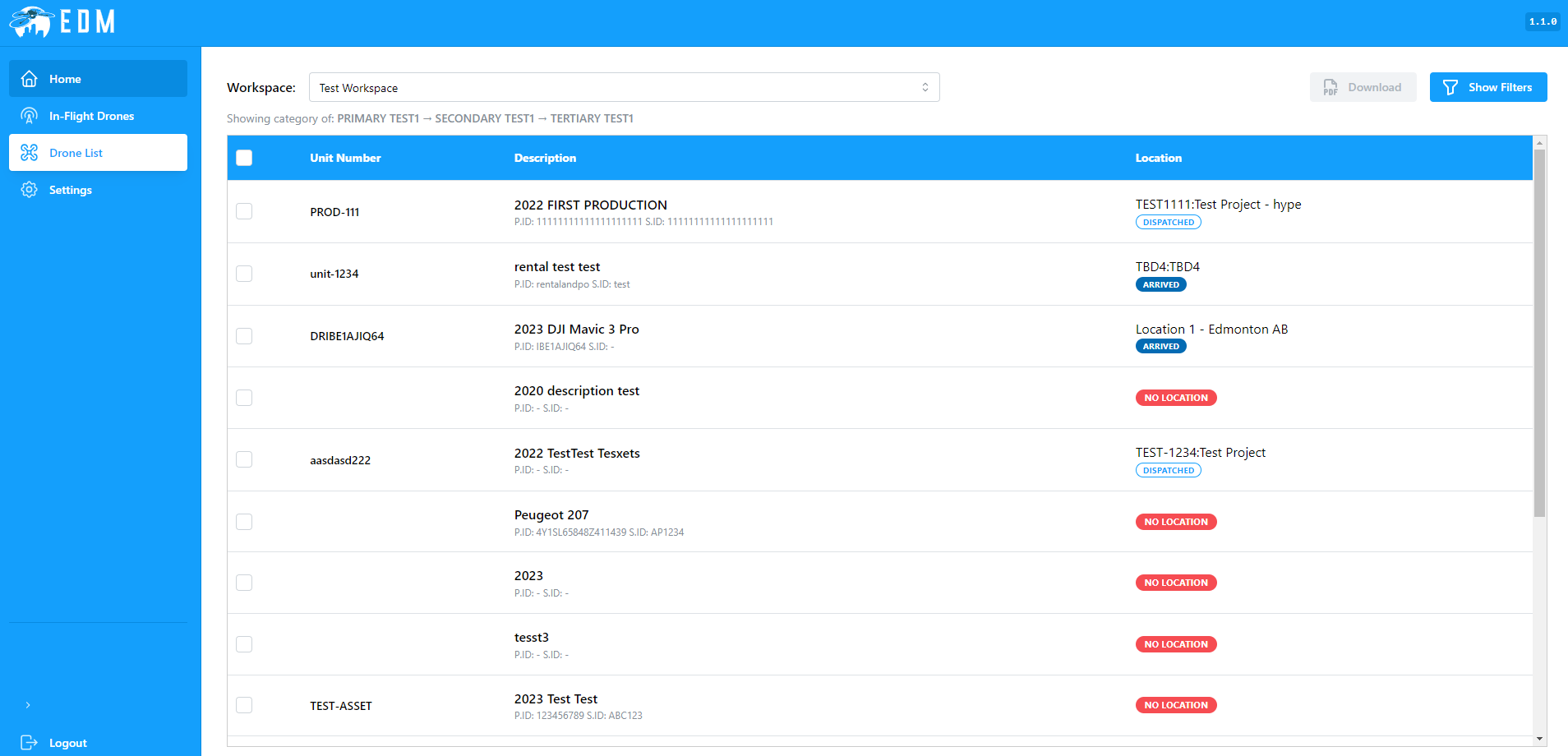
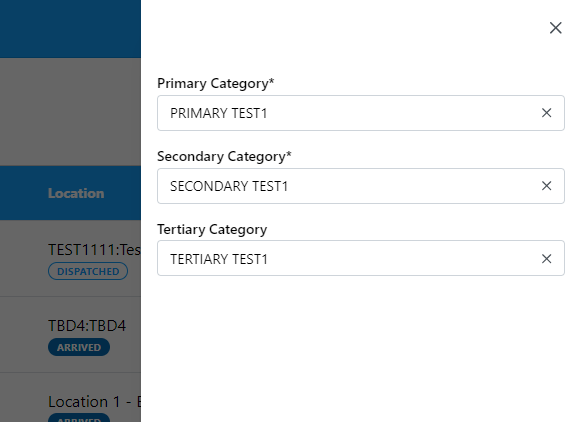
Right under the workspace selector you can find the current primary, secondary and tertiary categories that are used to filter the list. You can change filtering by clicking on the Show Filters button at the top right corner of the page. You have to select primary and secondary category while tertiary category is optional.
Clicking on any drone unit will lead you to a drone single view page.
Drone Details View
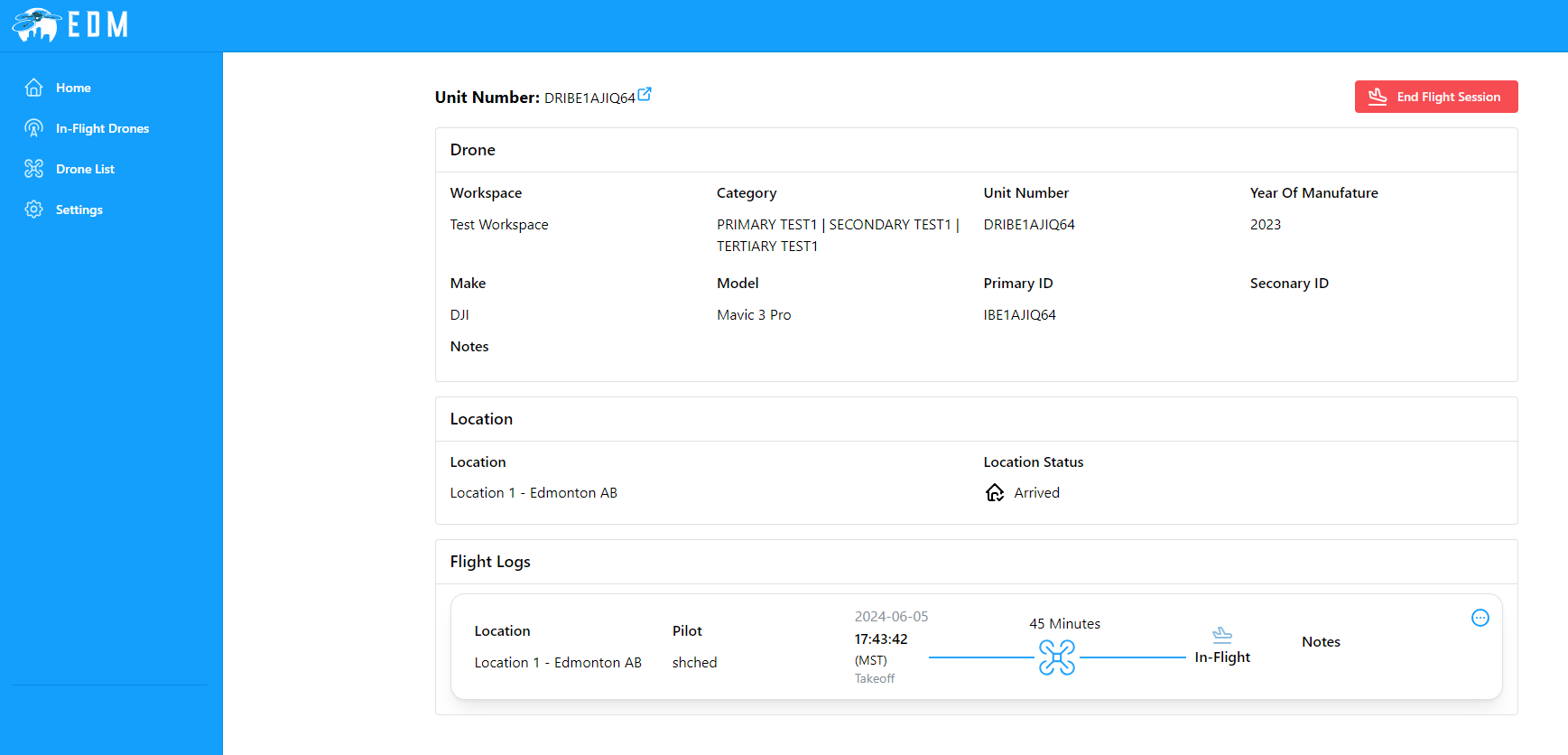
Drone single view page shows all drone information such as make, model, location and many others.
By clicking on the  icon on the top of the page you can get to the asset single view page in ETHOS.
NOTE: See Asset Single View for more about ETHOS asset single view page.
Clicking on the End Flight Session button allows you to finish current drone flight.
NOTE: Refer to End Flight for more details.
At the bottom of the page, you can view a summary of the drone's current and past flights, including key details such as flight duration, location, and date.

Clicking on the  icon will lead you to a flight single view page that shows more details about the flight.
NOTE: See Flight Details View for more information.