Project Map
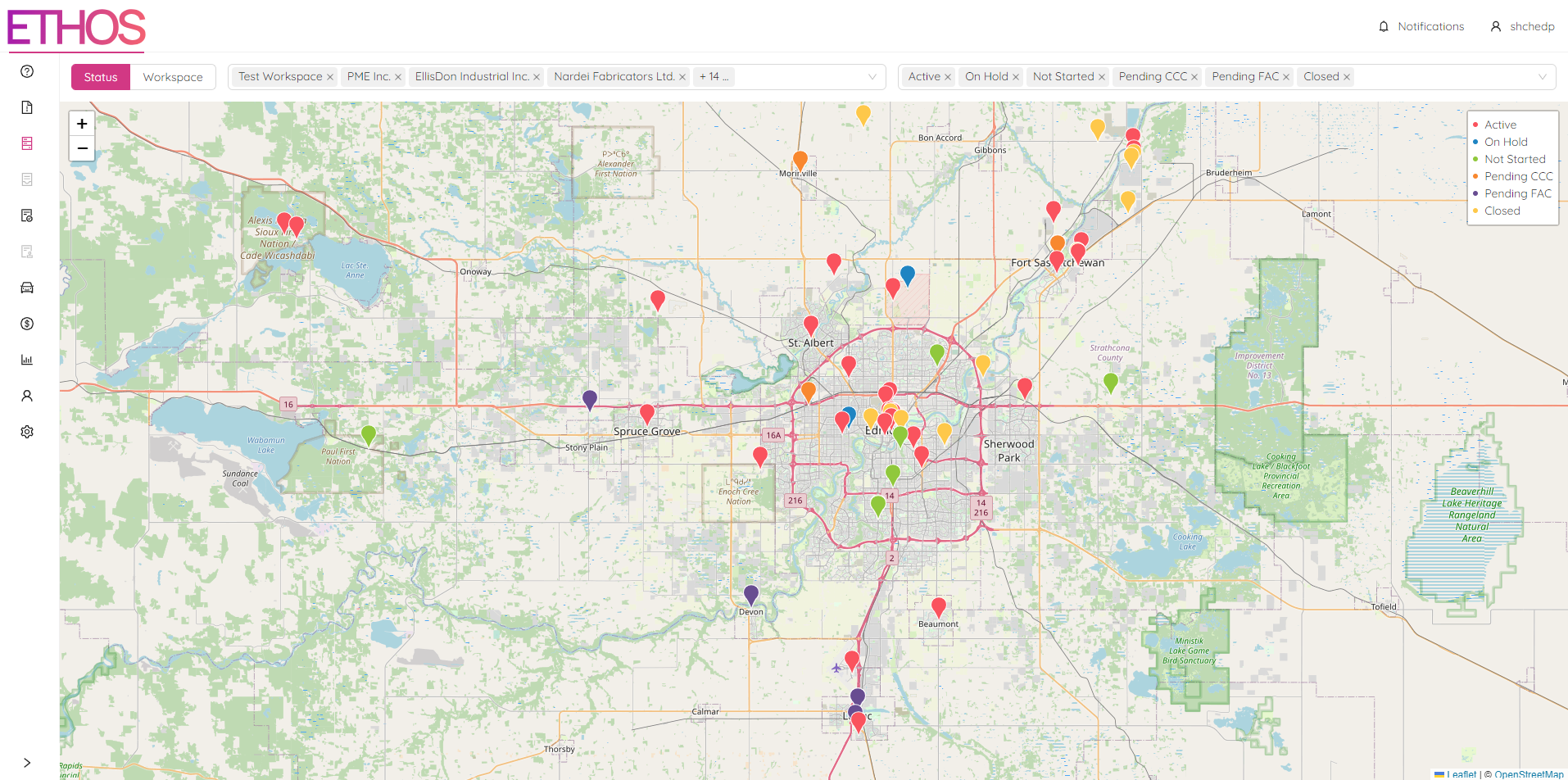
The Project Map shows the location of all projects that have Latitude and Longitude specified in the "Project Statuses" module.

By selecting “Project Map” from the "Project Acivity" menu of popup panel you will be redirected to the ETHOS Project Map page.
Filter by Workspace
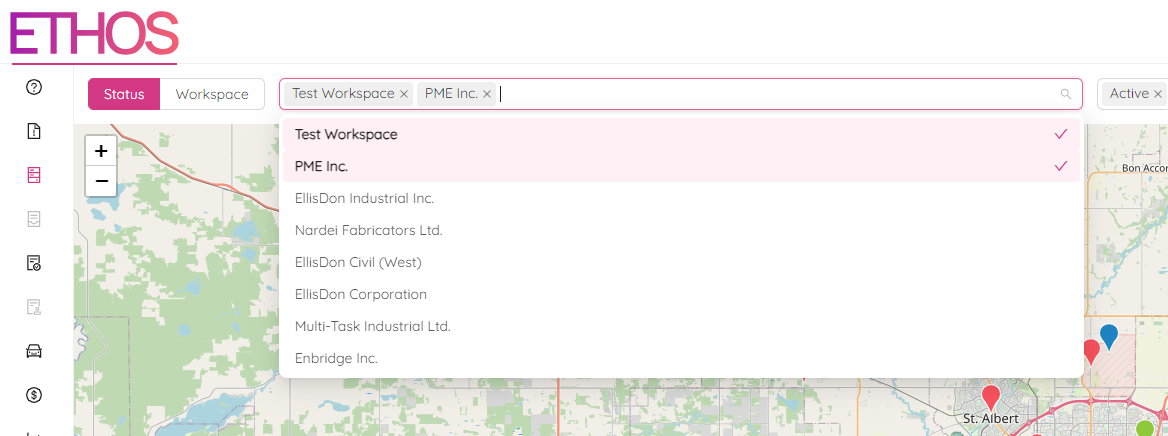
You can apply the filter by selecting a workspace in the dropdown list at the top of the page. Feel free to pick one or a few workspaces. By typing in a request you can quickly search among the workpaces.
Filter by Status
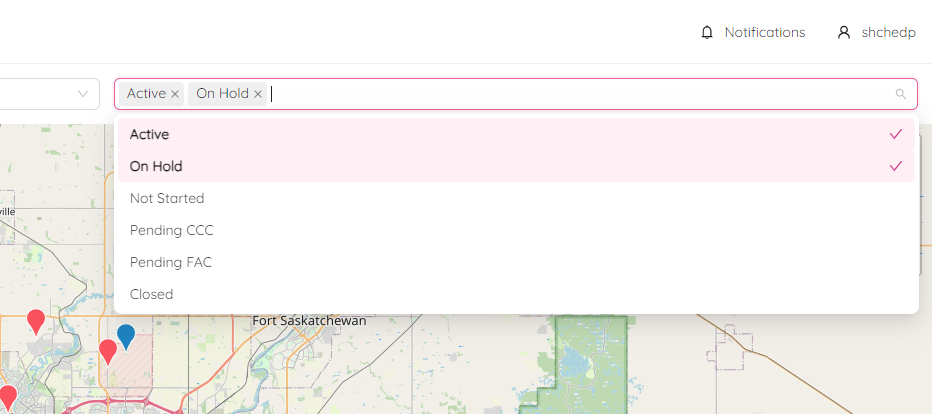
Similarly you can apply the filter by selecting a project status in the dropdown list at the top of the page. Feel free to pick one or several statuses.
Map Legend
The map legend is located at the top right part of the map. It describes the project colours and can represent either the project status or workspace.
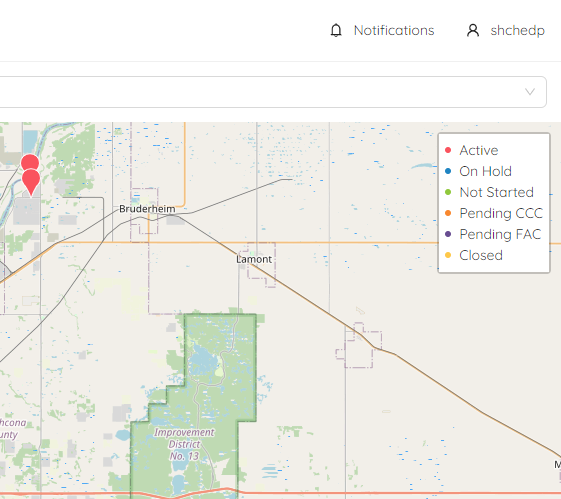
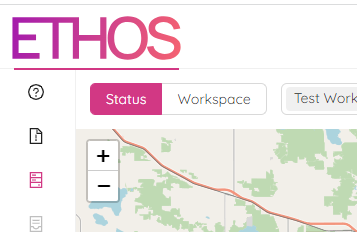
You can switch the legend mode between project statuses and workspaces by clicking on the toggle switch at the top left of the page.
Project Details
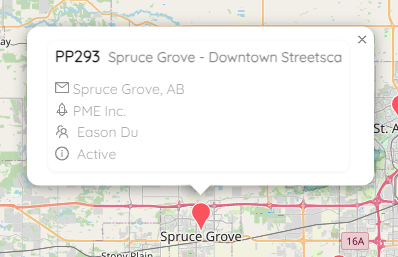
By clicking on the particular project on the map, you can see some project details, such as project number, name, address and others.