Export NCR to PDF
Exporting a non-conformance report (NCR) to PDF using ETHOS is very simple and can be done with just a click of a button. To do this, go to the NCR that you want to export and click the Download PDF button located at the top-right corner of the page.
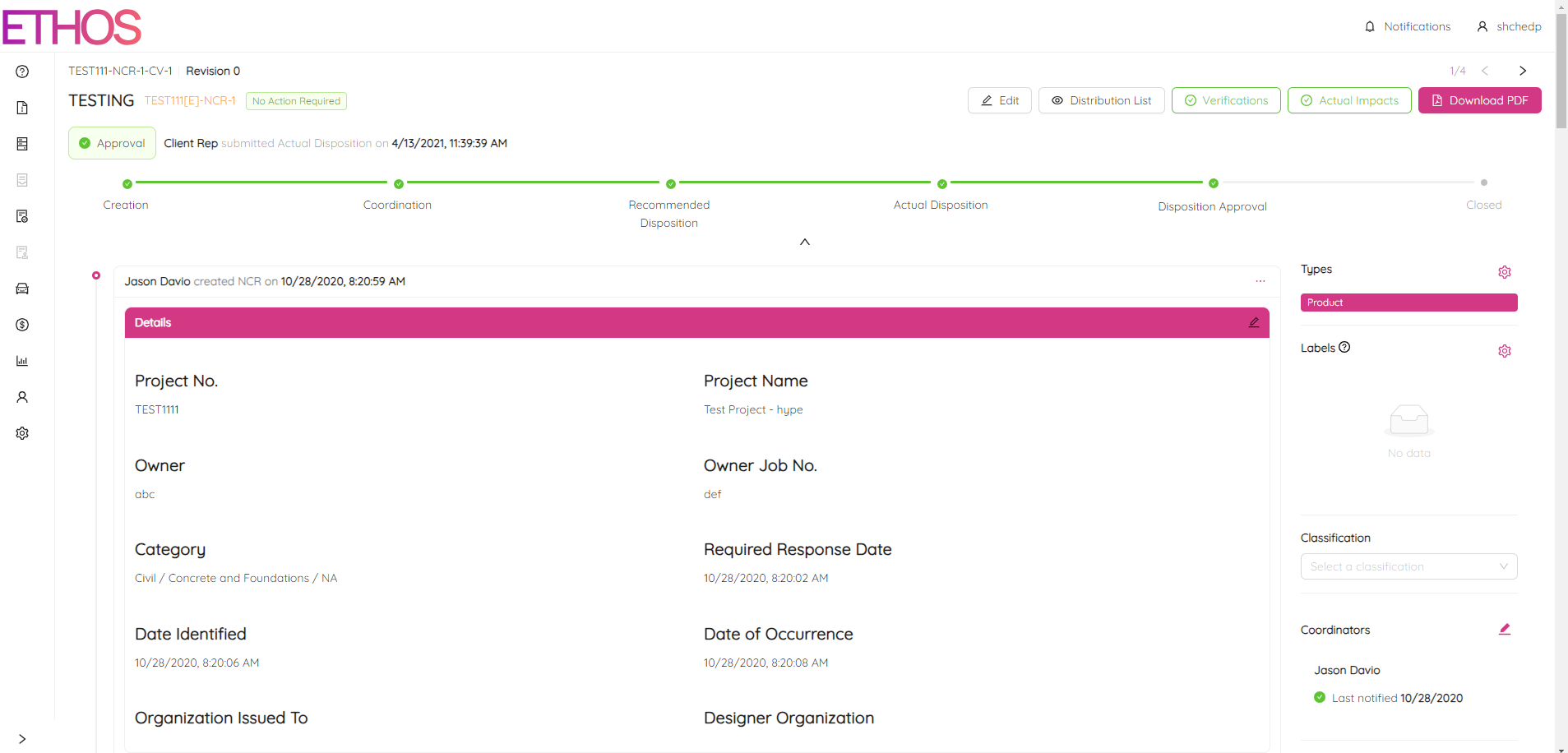
Your browser should automatically download the file. Once the download is complete, open the file to view your NCR in a print-friendly PDF format.
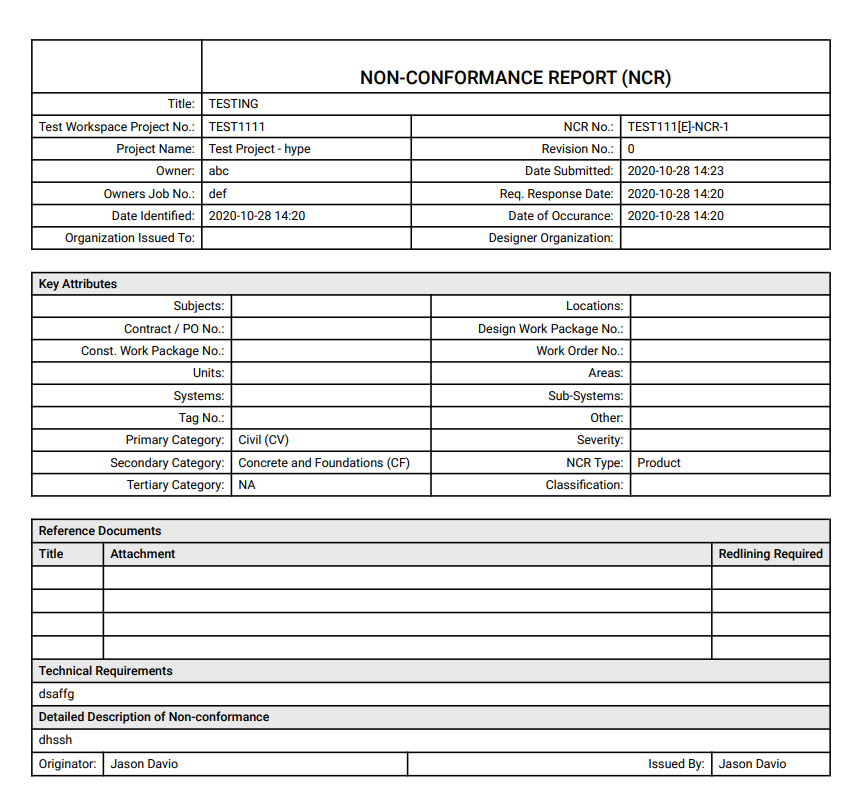
NOTE: It is possible that any modifications made in NCR may not appear on the generated PDF due to data transfer issues. To resolve this, press and hold the R key on your keyboard, then click on Generate PDF and select Download PDF again.
NOTE: Please be aware that any comments made will not be shown in the PDF format.