Retrospect Profile
The Profile menu in the Retrospect app provides you with access to your account information. To access the Profile menu, simply click on the icon with your initials at the top right corner of the app. This will display a pop-up menu that includes your full name, login, and email.
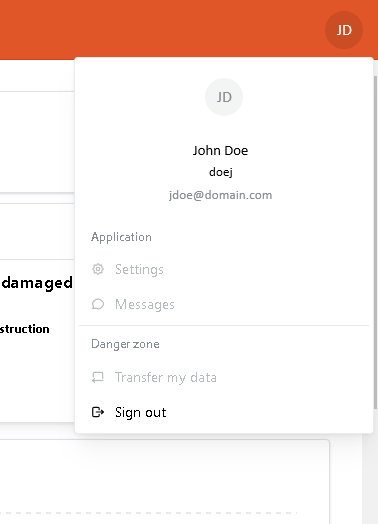
From the Profile menu, you can click on the Sign Out menu item to sign out of the app. This will log you out of your account and return you to the login screen.