Export RFI to PDF
Exporting an RFI to PDF with ETHOS is extremely simple. All you have to do is go to the RFI you want to export and click the Download PDF button located at the top right corner of the page.
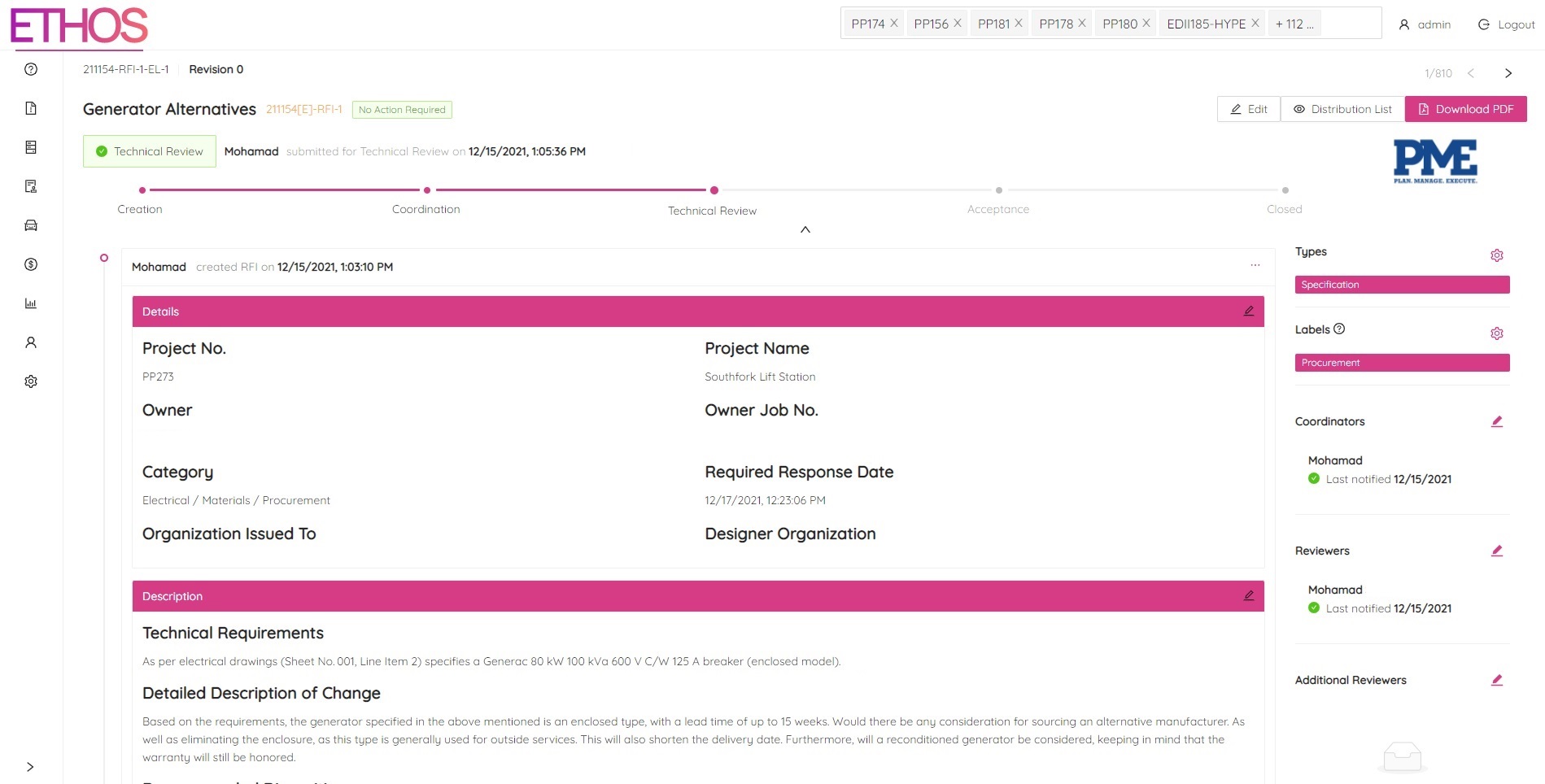
A download will automatically start in your browser. Once the PDF is downloaded, you can open the file to see your RFI in a print-friendly PDF format.
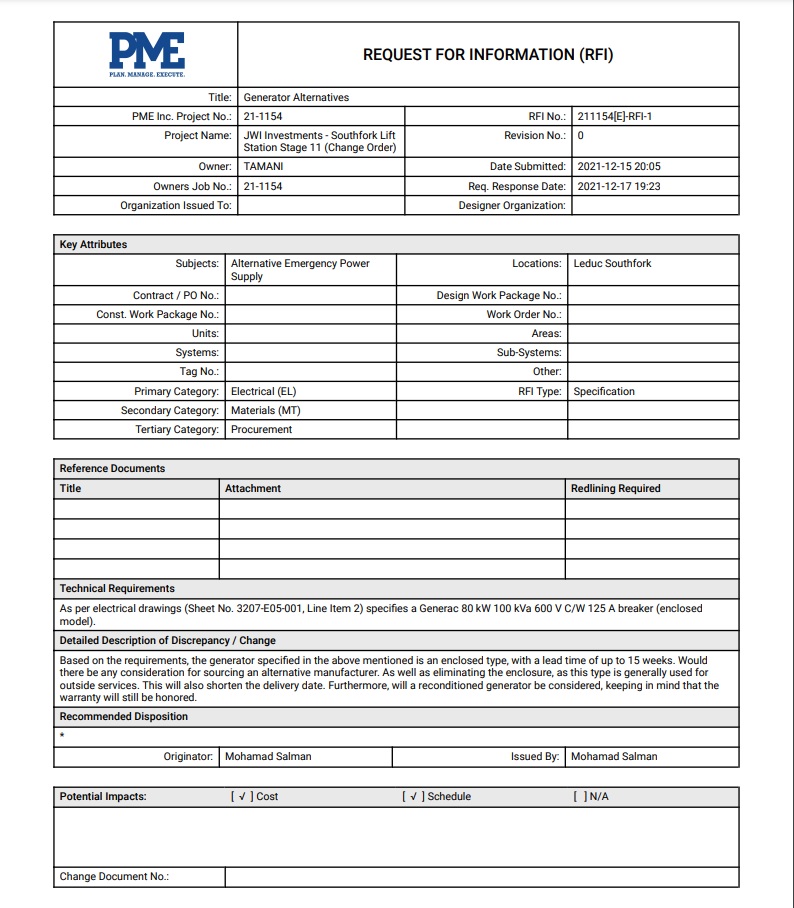
NOTE: Please be aware that any comments made will not be shown in the PDF format.