Project RFIs
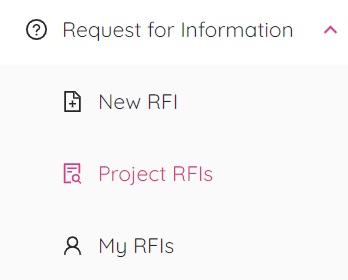
By selecting “Project RFIs” from the popup window you will be redirected to the ETHOS Project RFIs page.
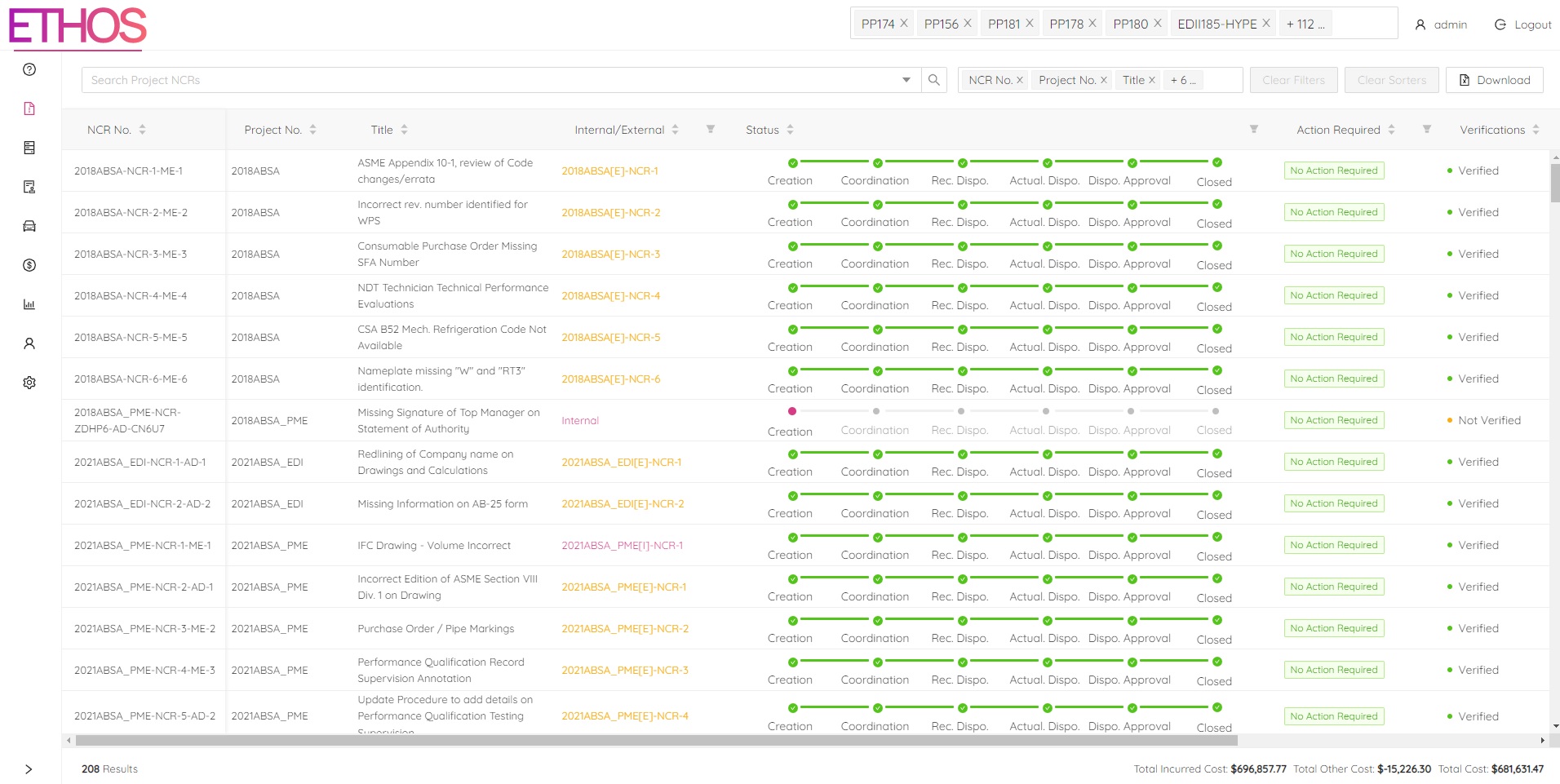
This page is where you can view all your RFIs. The main page in Project RFIs displays high-level information about each RFI for the selected projects such as:
- The project number and title of each RFI
- The stage each RFI is currently in
- Whether or not any action is currently required for each RFI
- The verification status of each RFI You can change which projects you will see RFIs for as well as what information is displayed by selecting/deselecting project numbers and column names at the top right of the page.
RFI Single View
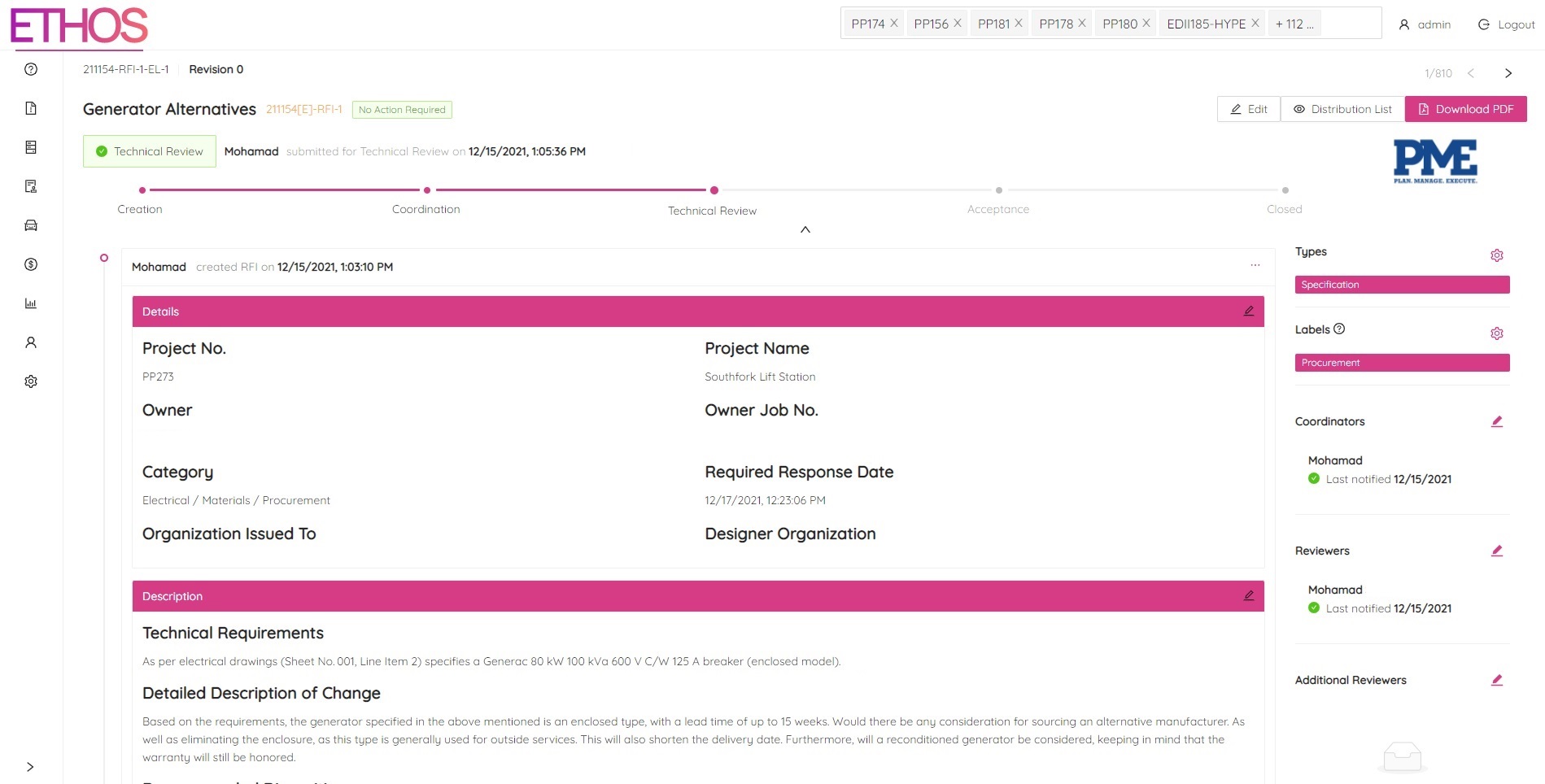
By clicking on a RFI you will be redirected to the RFI Single View page. This page is where you can view all the details of the selected RFI as well as each stage the RFI has gone through.