How do I cancel RFI in ETHOS?
If you want to cancel an RFI, follow these steps:
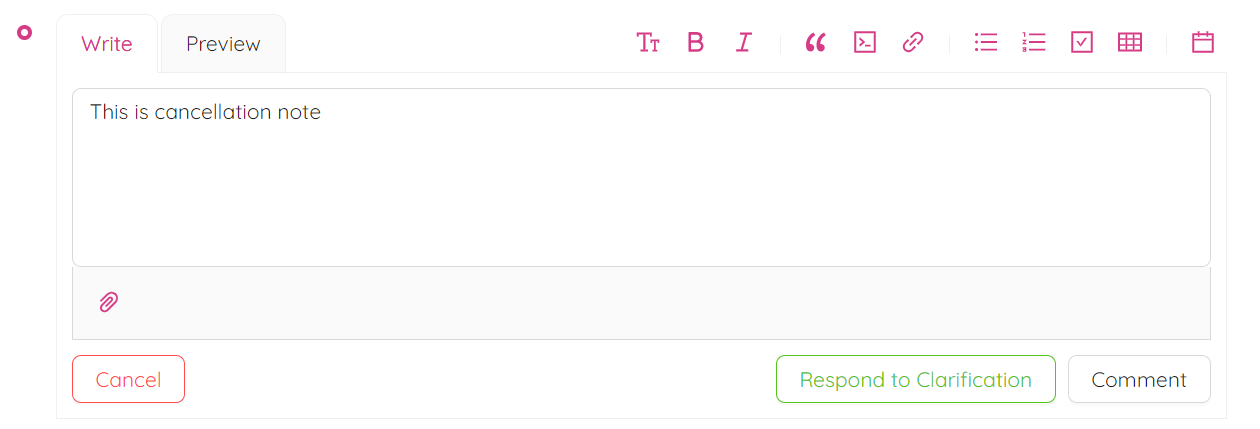
- Open the RFI view and click the Clarify button at the bottom of the page to submit a clarification request. In the Leave a Comment box, describe what needs to be clarified.

- After the RFI enters its coordination state (as shown in the picture below), submit the second clarification request by repeating the previous step.

- Finally, you can cancel the RFI by clicking the Cancel button at the bottom of the RFI page.