How do I enter asset maintenance in ETHOS?
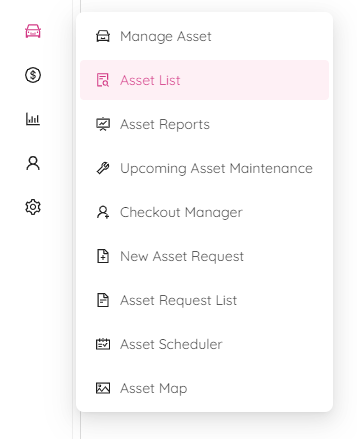
- After logging into the ETHOS application, go to the Asset List module by clicking on Assets in the left panel and selecting Asset List.
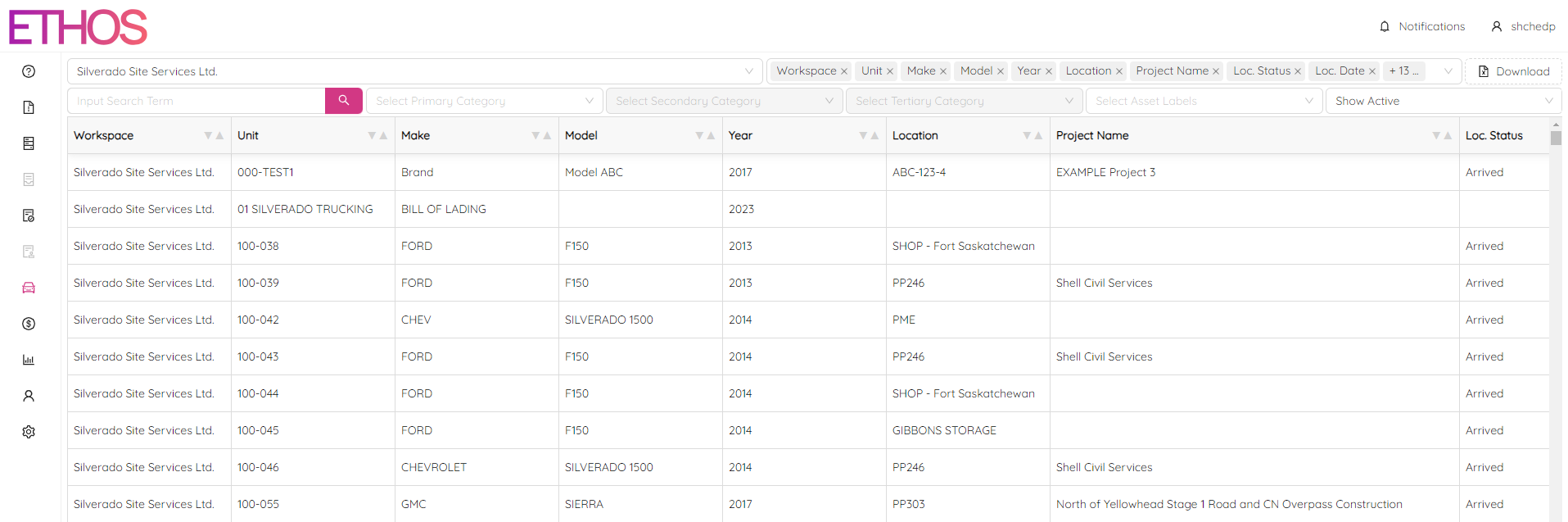
- Once at the Asset List screen, select your workspace and click on the vehicle to navigate to the Asset Single View screen.
NOTE: refer to the Asset List manual for more tips on how to filter and search assets.
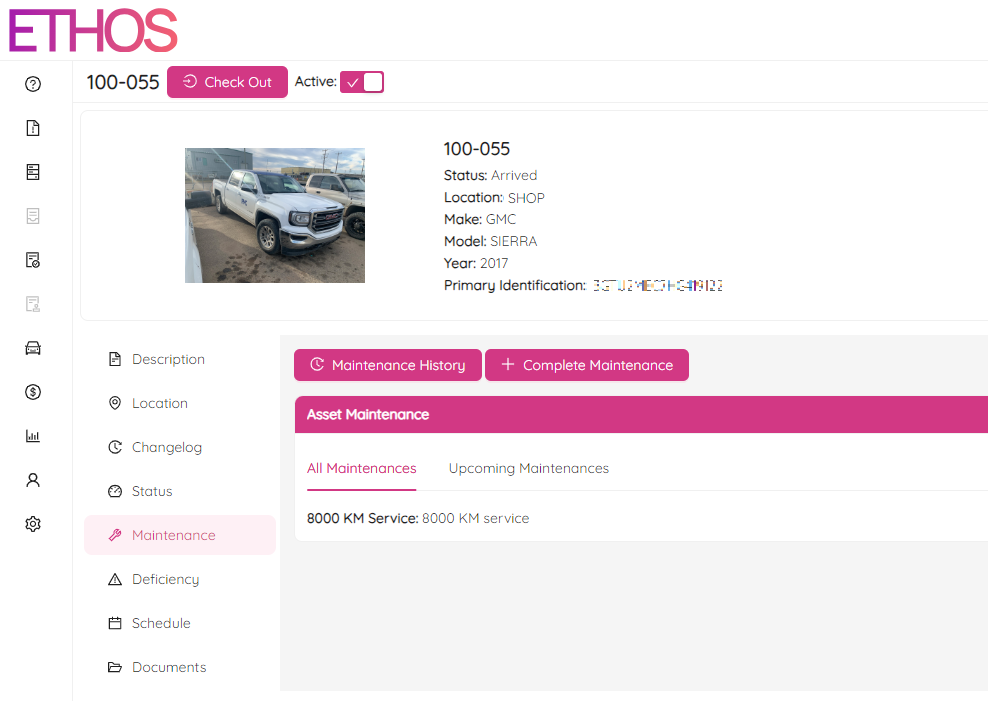
- Once you are on the Asset Single View screen, go to the Maintenance section and click + Complete Maintenance button at the right.
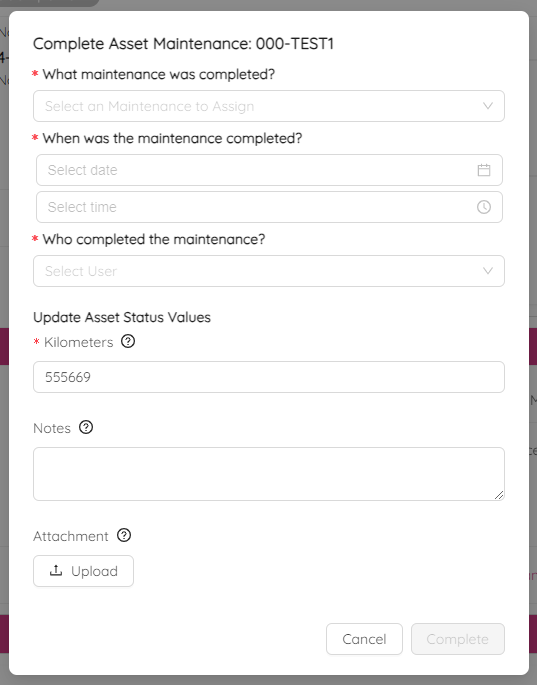
- Fill in all maintenance details and click Complete to save.
NOTE: refer to the Asset Single View instruction for more information about asset maintenance.