How can I see who made an asset inactive?
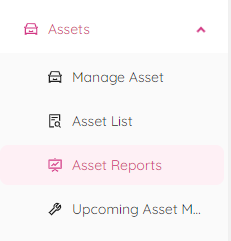
- Once you are logged into the ETHOS application navigate to the Asset Reports. This can be done by under "Assets" and "Asset Reports".
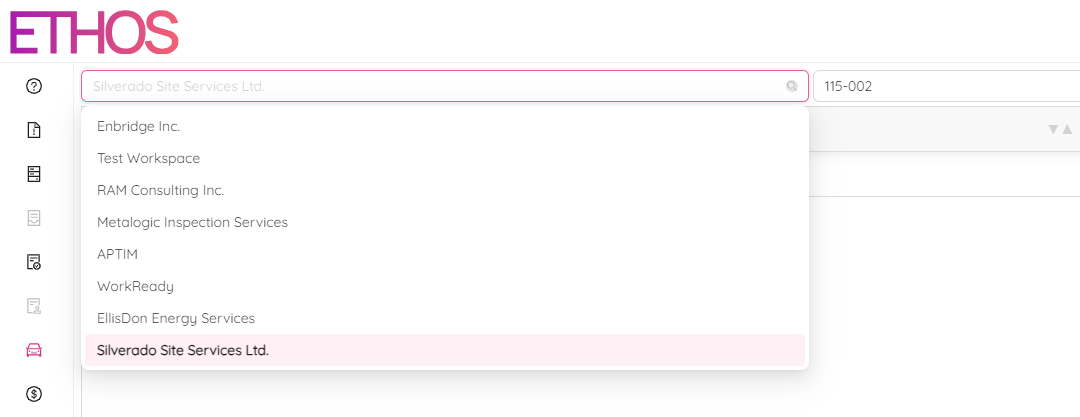
- Once at the "Asset Reports" screen, type/select your workspace.
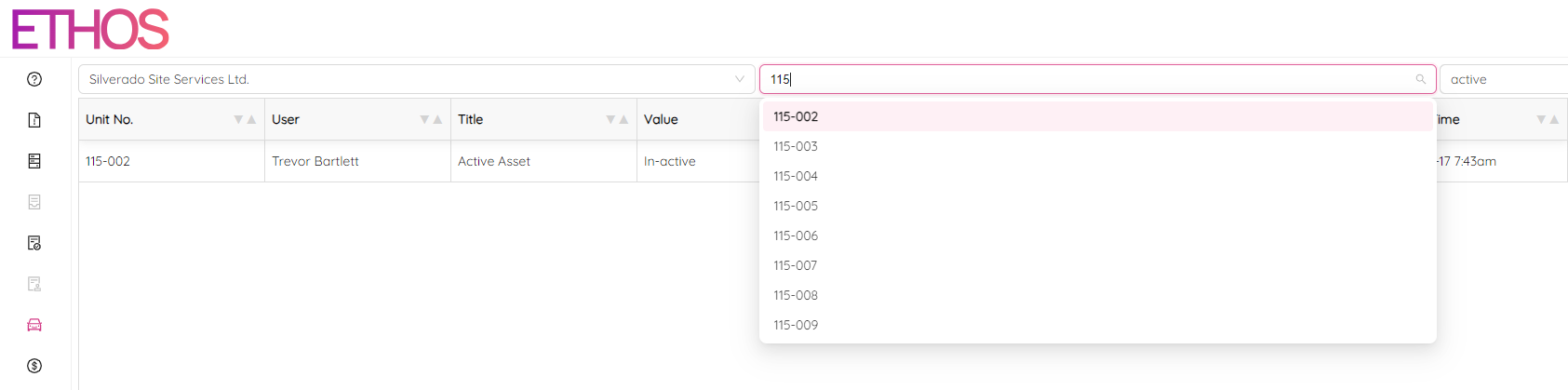
- Type/select your vehicle unit number.
- Type "active" in search bar and click
 icon.
icon.
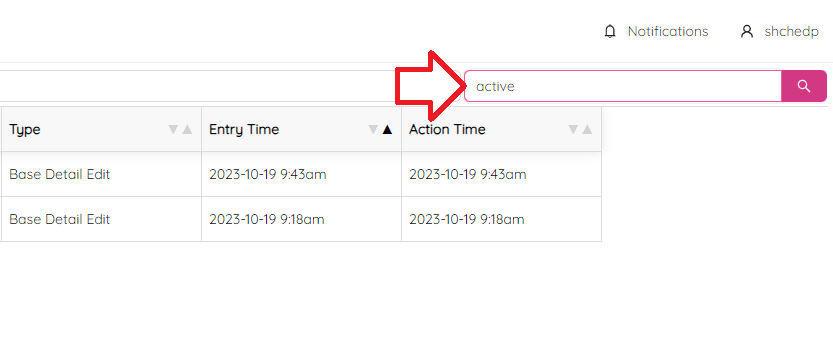
As a result you are going to see the history of active/inactive status for the particular asset.
