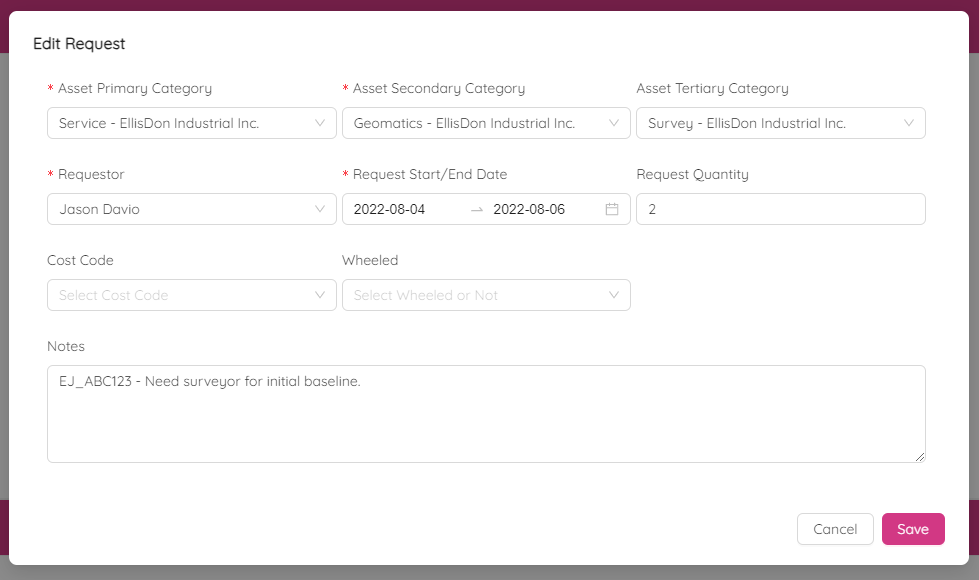
Asset Request List
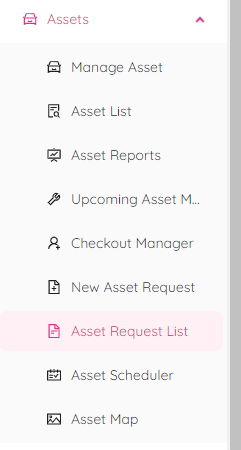
Asset Request is a way to make a request for an asset. You can view the requests in the "Asset Request List" module which is available under "Assets" on the left panel.
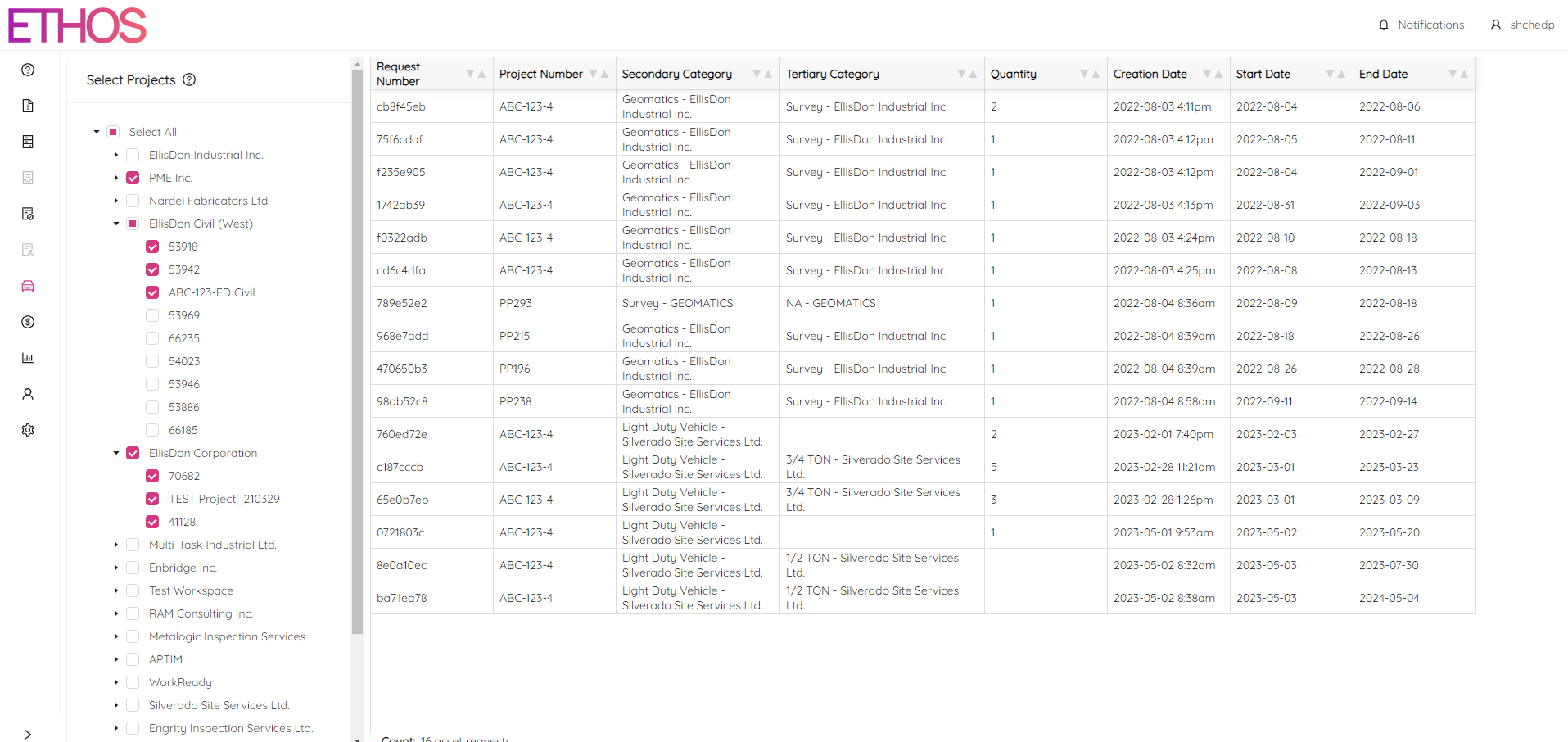
The page for “Asset Request List” is split into two sections. On the left side, there's a list of projects categorized under their respective workspaces. On the right side, there is a table that displays a list of requests associated with the selected projects. You have the option to select a specific project, the entire workspace or all projects.
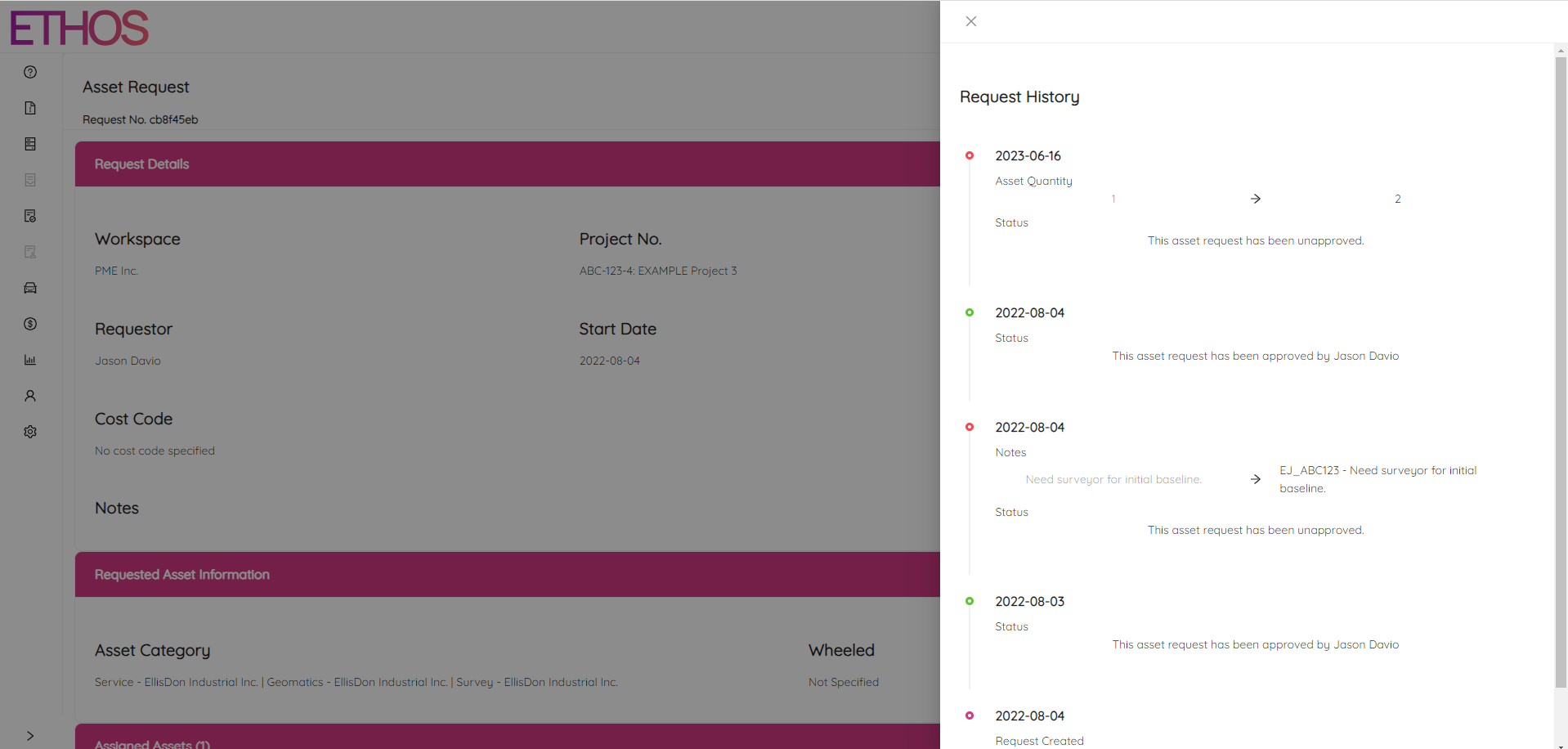
Clicking on the specific request in the table brings you to the request single view page where you can see all the request's details including the requestor name, period and assigned asset.
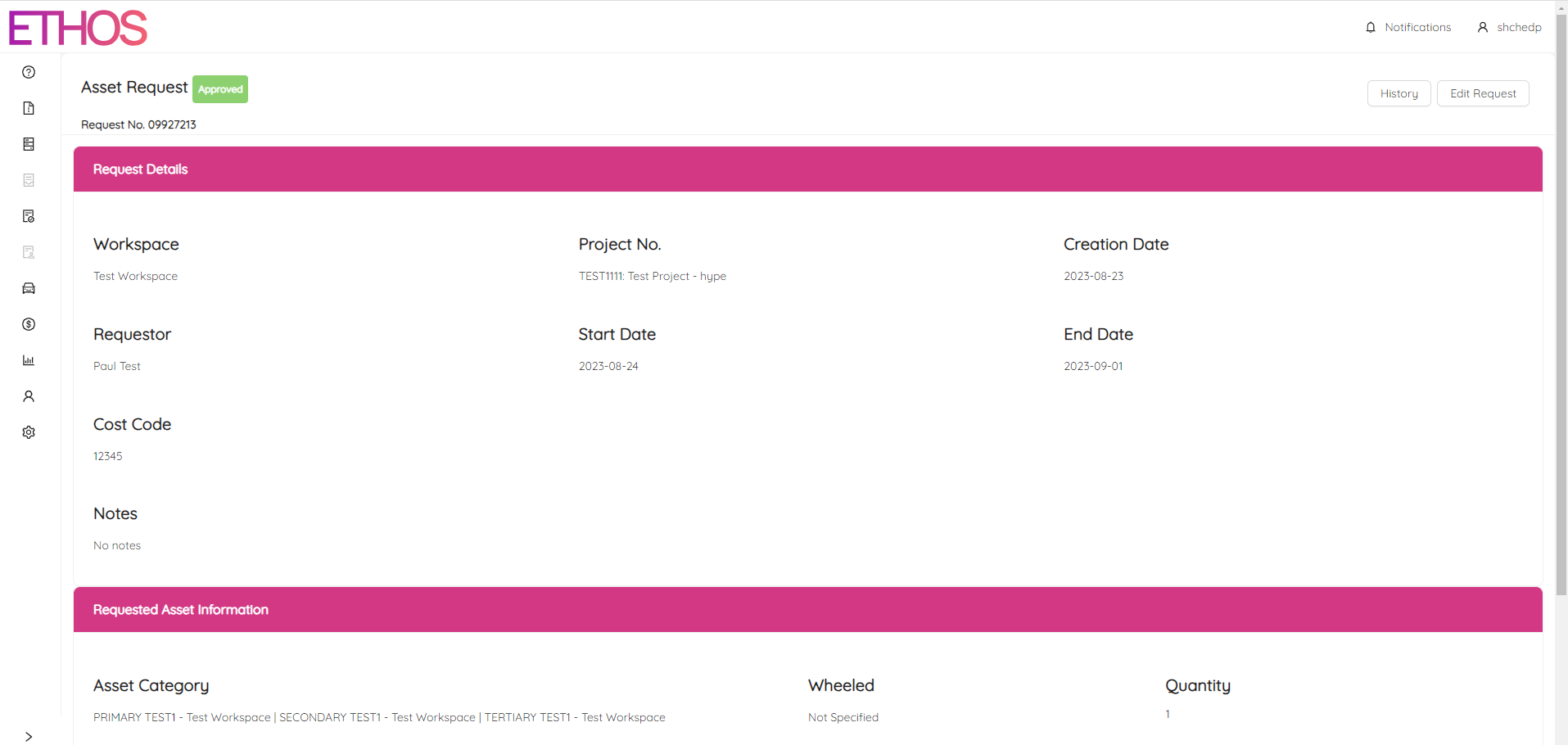
By clicking on the "History" button at the top right, you can see the history of the request.
Click on the "Edit Request" button to make any changes to the request.