Request Asset
Before submitting an asset request, ensure you have the project number, asset primary and secondary categories, and the required period.
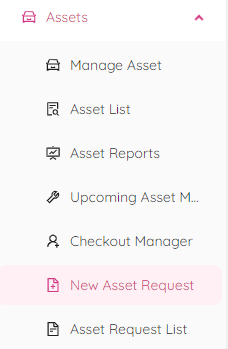
To request an asset, simply navigate to the New Asset Request page located under the Assets menu.
Once there, choose the project you need the asset for and provide all the necessary details.
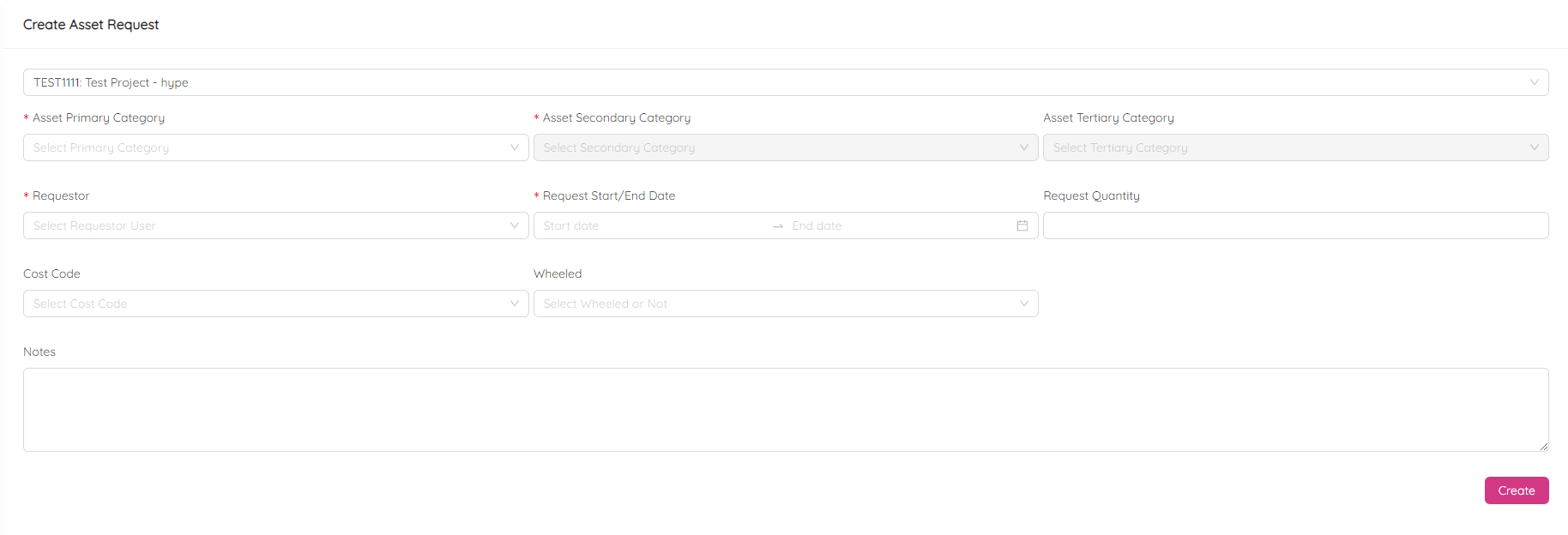
NOTE: fields marked with a red asteriks are mandatory, but it's always a good idea to provide as much information as possible. Feel free to add additional comments in the Notes box.
Finally, click on the Create button located at the bottom right of the page and confirm to complete the request creation process.